Pudu KettyBot UK: A Buyer’s Guide to Screen-Based Delivery Robotics
For UK venues considering Pudu KettyBot UK, the practical question is whether delivery and on-screen promotion support the same service workflow. A delivery robot can move items around a venue, while its advertising screen can carry messages for customers. Assess both roles against your daily operations before deciding whether they belong together.
Start by identifying the deliveries you want to support, where they begin and end, and how staff handle each handover. Then define what the screen should communicate, who it is for and when the message would be relevant. These details give you a clear basis for discussing the robot’s fit with your venue.
GO Robotics can supply Pudu KettyBot and support UK businesses with site assessment, installation, staff training and ongoing technical assistance. This guide sets out practical questions to help you assess the workflow, consider screen content and prepare for deployment.
Key Takeaways
- Assess whether Pudu KettyBot UK’s delivery role and advertising screen suit the same venue and shift.
- Map recurring deliveries, destinations and handovers to see how the task fits your day-to-day service.
- Consider hospitality and retail workflows separately, since customer needs and screen content differ by setting.
- Use a practical checklist to assess task frequency, routes, staff involvement and the purpose of screen messages.
- Plan for a site survey, installation, staff training and ongoing technical support as part of deployment.
What is Pudu KettyBot, and what role can it play in a UK venue?
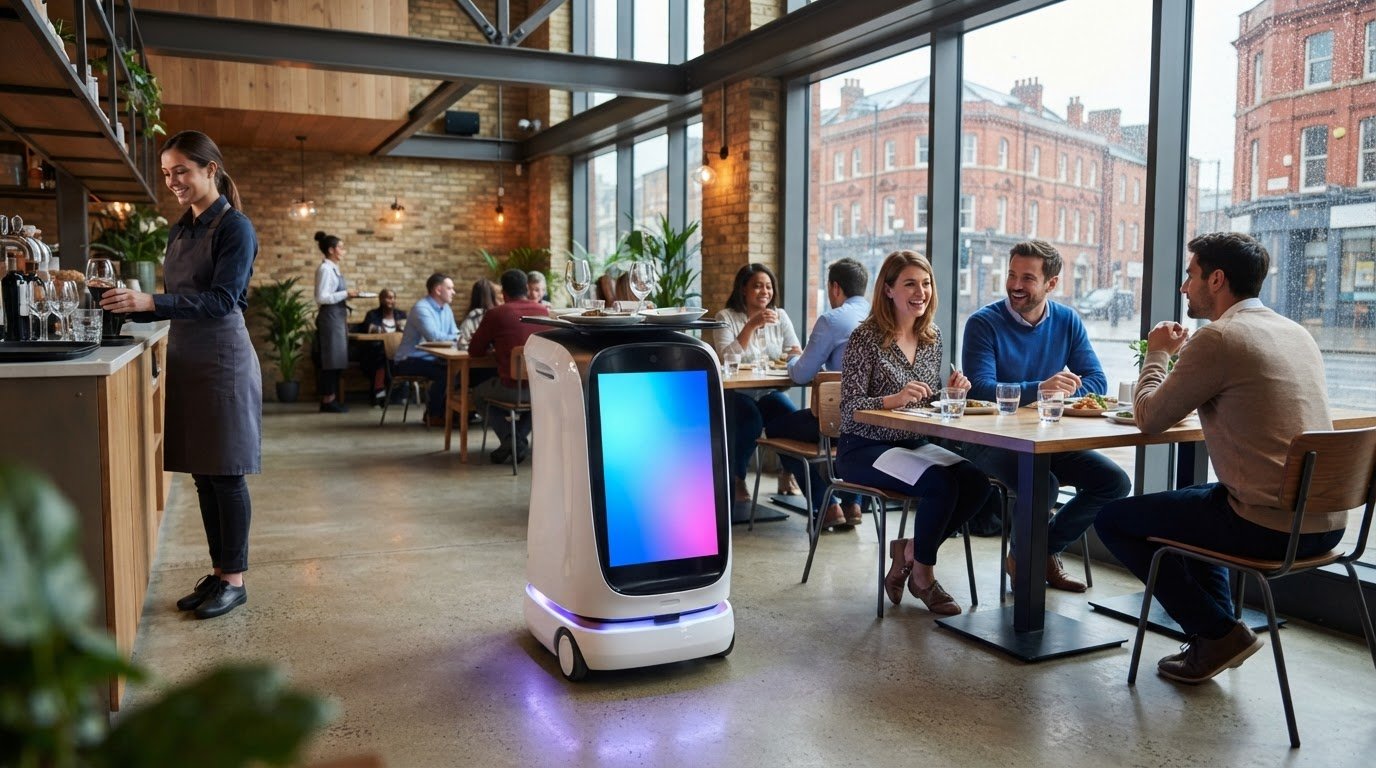
Pudu KettyBot combines item delivery with an advertising screen for use in a venue. For UK operators, the decision is whether those two roles fit the same service workflow. Consider the delivery task and the intended screen content separately before assessing them together.
As a type of service robot, KettyBot falls within a broad category of robots that assist with tasks in service settings. Its proposition here is more specific: delivery paired with a customer-facing screen. The delivery role concerns how an item moves from one place to another. The screen provides space for messages such as promotions or venue information.
These roles address different operational needs. Delivery depends on a defined route, destination and handover. Screen content depends on choosing a relevant message and a suitable context for customers to see it. The screen’s presence alone does not show that customers notice a message or that it affects sales.
How does a delivery robot fit into venue service?
Start with a task that already happens regularly. In a restaurant, for example, trace an item from the point where staff prepare it to the place where it is handed over. Record who requests the delivery, who prepares the item, who receives it and what happens if the handover cannot take place as planned.
This helps clarify staff responsibilities. A robot can assist with a delivery workflow, while people remain responsible for preparation, service decisions and customer care. The useful test is whether the task can be described clearly enough to assess how it fits the venue’s routines.
What does the screen add to the delivery role?
An advertising screen gives a venue a way to present a promotion, menu message or event information alongside delivery activity. The content is most relevant when it suits the people who may see it and the setting in which it appears. A message that works for diners may not suit a busy retail entrance, for example.
Keep display and impact distinct. Showing a message does not measure engagement or prove a sales result. Before including the screen in your evaluation, decide what it should communicate and how you will judge whether the content is useful. This lets you assess the screen and delivery role on their own merits, as well as together.
How to assess whether KettyBot fits your delivery and screen workflows
Map the work your venue needs done before deciding whether the combined delivery and screen proposition fits. Record the tasks, people, destinations and messages you have in mind. During deployment planning, review the venue layout and discuss the operating requirements so the proposed approach reflects your actual workflow.
Which delivery tasks should you map first?
Choose a recurring task and trace it from start to finish. Record where an item is collected, where it needs to go, who prepares it and who accepts it. Include every handover and note where a member of staff needs to check, carry or pass on the item.
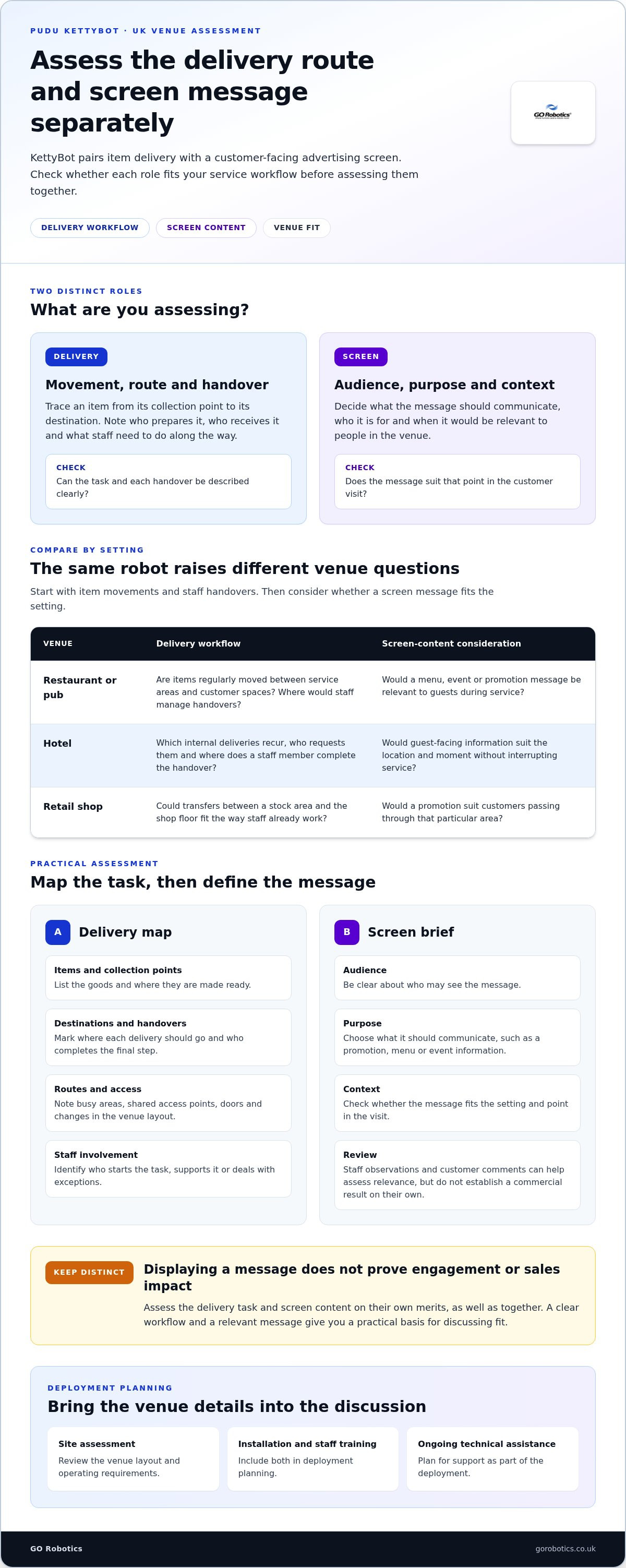
- Items and collection points: List the goods involved and where they are made ready for delivery.
- Destinations and handovers: Mark where each delivery should go and who completes the final step.
- Routes and access: Note busy areas, shared access points, doors and places where the venue layout changes.
- Staff involvement: Identify who starts the task, supports it along the way or deals with exceptions.
This map gives you a useful starting point for discussing suitability. A restaurant might assess repeated movements between a service area and dining spaces. A retailer might consider transfers between a stock area and the shop floor. In either case, check how the task fits around staff responsibilities and the way the venue operates.
How should you plan screen content around service?
For each proposed message, define its audience, purpose and context. A restaurant might use the screen to share a menu or event message with diners. A shop might consider a promotion for customers passing through a particular area. Ask whether the message fits that point in the visit or could distract from ordering, browsing or service.
Decide how you will review the content without assuming it will increase sales. Staff observations and customer comments can help you understand whether a message seems relevant, but they do not establish a commercial result on their own. Include the content requirements in your deployment discussion so the screen’s intended use is clear.
Keep your evaluation in two parts: write down the workflow and screen requirements you can define, then identify the site details that need to be addressed in deployment planning. GO Robotics can discuss those requirements and assess the venue as part of the process. See KettyBot deployment planning to take the next step.
Where could a screen-and-delivery robot suit hospitality or retail?
The same delivery robot and advertising screen raise different questions in a restaurant, hotel or shop. Start with the movement of items and people, then consider whether a screen message suits the setting. The examples below help you frame that assessment around your own operations.
| Venue type | Workflow question | Screen-content consideration |
|---|---|---|
| Restaurant or pub | Are there regular item movements between service areas and customer spaces, and where would staff manage handovers? | Would a menu, event or promotion message be relevant to guests during service? |
| Hotel | Which internal deliveries recur, who requests them and where does a staff member complete the handover? | Would guest-facing information suit the location and moment, without interrupting service? |
| Retail shop | Could a repeated movement of items fit around customer flow and staff activity? | Would a promotion make sense to shoppers in the area where they might see it? |
What should hospitality operators consider?
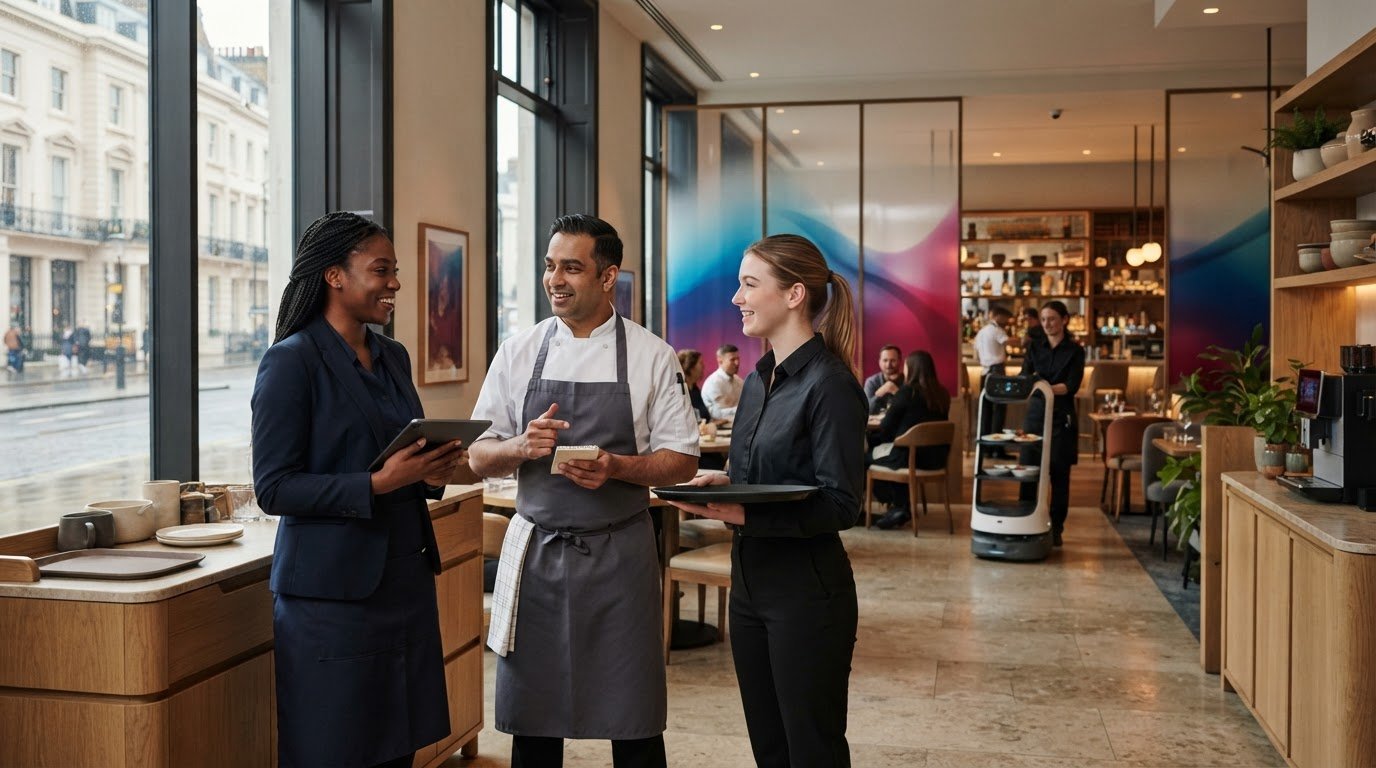
In hospitality, map where a delivery starts and ends, who initiates it and who takes responsibility at handover. A task that passes through a busy service area may raise different practical questions from one between quieter spaces. Consider staff duties and guest movement alongside the route.
For the screen, choose a clear purpose, such as sharing an event message or drawing attention to an offer. The content should suit the service setting rather than compete with conversations, ordering or staff attention. For wider context on automation in hospitality, see our hospitality robots guide and Pudu BellaBot buying guide.
What should retail operators consider?
For retail, identify the intended audience and where a message would be useful. A promotion aimed at people browsing one part of a shop may not suit a busy entrance or checkout area. Consider how screen use fits customer movement and staff activity, rather than assuming shoppers will stop to engage with it.
Be equally specific about the delivery task: note what moves, between which points and how staff remain involved. The Pudu KettyBot UK proposition is worth assessing when delivery and promotional needs overlap, but those needs will vary from one shop to another. For broader shop-floor context, read our UK retail robot guide.
What should you evaluate before choosing Pudu KettyBot?
Start with the work, not the screen or the robot itself. A practical assessment should show whether delivery is a regular task, whether the routes and handovers fit your venue, and whether promotional content has a clear purpose. It should also help you decide whether combining delivery and promotion makes more sense for your operation than treating them as separate needs.
Use this checklist to prepare:
- Task frequency: Note which delivery tasks recur during a representative shift and when demand peaks.
- Routes and access: Record the start and end points, busy areas, access points and any changes to the venue layout.
- Handovers: Identify who prepares each item, who receives it and where staff need to step in.
- Screen purpose: Define the intended audience, message and setting. Decide how you will review whether the content is useful without assuming it will increase sales.
- Staff involvement: Map who oversees the task and how staff would handle interruptions or changes in routine.
Bring these requirements to a site survey. Review the space available, routes, access points, delivery pattern and handover process against the proposed workflow. This turns general questions about suitability into a practical discussion about how the robot would fit your venue.
How can you test operational fit?
Document a typical shift, including delivery peaks, busy periods and interruptions. Note access and handover requirements for the site assessment, then agree what a useful outcome would look like before deployment. That might mean a clearly defined task, staff who understand their roles and screen content with a stated purpose. Keep any review measures relevant to your operation and avoid assuming a result in advance.
How should you compare buying and service arrangements?
GO Robotics offers outright purchase and Robots-as-a-Service (RaaS), a monthly rental arrangement, across its service range. Consider how you prefer to manage equipment, what support your team will need and whether purchasing or a service arrangement better fits your organisation’s plans. For a wider explanation, read our Robots-as-a-Service business guide.
If you’re considering Pudu KettyBot UK for your venue, discuss your operating requirements with GO Robotics. Your workflow and site information provide a practical basis for planning an assessment and deployment approach.
How GO Robotics supports a UK KettyBot deployment
Deployment planning should start with your venue and the work you want to support. GO Robotics works with UK businesses to discuss requirements, survey the site, recommend an approach, install the robot and train staff. This connects the intended delivery workflow with the venue’s layout and the people responsible for using it.
For a Pudu KettyBot UK deployment, planning can cover:
- Requirements: Discuss the delivery tasks, handovers and intended screen use.
- Site survey: Review the venue layout and routes relevant to those tasks.
- Recommendation: Use the requirements and site information to shape an approach for the venue.
- Installation and training: Prepare the agreed setup and help staff understand their roles in the workflow.
What happens during site assessment and installation?
A site assessment brings your operational needs and physical layout into the same discussion. The survey informs planning around the proposed workflow and the areas where the robot would be used. GO Robotics then recommends an approach based on that assessment. Installation and initial setup form part of deployment, with the plan shaped around the venue.
Staff training is another part of preparation. Your team needs to understand how the agreed process works, where people take responsibility and how handovers fit into normal service. Clear roles help staff use the robot as an aid to their work while retaining responsibility for customer care and operational decisions.
What support can UK businesses expect from GO Robotics?
GO Robotics supplies Pudu KettyBot and provides nationwide UK installation, staff training and technical assistance. As the supplier and implementation partner, GO Robotics supports planning and deployment. Ongoing technical support gives your team a point of contact as it puts the agreed workflow into practice.
Before deployment, make sure the operating requirements, staff responsibilities and intended screen use are clear enough to guide the site assessment. This gives installation and training a practical reference point and helps your team understand what the robot is expected to assist with.
Discuss your venue’s delivery workflow and screen requirements with GO Robotics. Discuss Pudu KettyBot with GO Robotics.
Plan a deployment around your venue
Pudu KettyBot combines delivery with an advertising screen, but its value depends on whether both roles fit your service. Map recurring tasks, routes, handovers and staff responsibilities. Then decide what the screen should communicate and how you will assess whether its content is useful.
For Pudu KettyBot UK buyers, the next step is to compare those requirements with the venue layout and discuss them as part of a site survey. This gives you a practical basis for planning without assuming promotional results.
GO Robotics supplies Pudu KettyBot and supports UK businesses with nationwide installation, staff training and ongoing technical assistance. A site survey informs the recommendation, while training helps your team understand its part in the agreed workflow.
Ready to assess the fit for your venue? Discuss Pudu KettyBot with GO Robotics and plan a site assessment around your delivery and screen requirements.
Frequently Asked Questions
What is Pudu KettyBot?
Pudu KettyBot combines item delivery with a customer-facing advertising screen for in-venue messages. For businesses considering Pudu KettyBot UK, these are two distinct roles in one proposition: delivery supports the movement of items, while the screen can display promotional content. Assess each role against your venue’s needs rather than assuming a particular commercial result.
How does a screen-based delivery robot fit into a business?
It can assist with a recurring delivery workflow, with staff retaining responsibility for preparation, oversight and handovers. Trace a task from the request and collection point to its destination, noting who is involved at each stage. Then consider whether a screen message would be relevant during the same operating period. A site assessment helps relate your planned workflow to the venue layout.
Can a delivery robot display promotional content?
KettyBot combines delivery with an advertising screen, so promotional messages can form part of its in-venue role. Decide what the content should communicate, who it is for and when it would be relevant. Displaying a message does not prove that customers noticed it or that it affected sales. Set a practical way to review its usefulness without assuming a commercial uplift.
Is Pudu KettyBot suitable for hospitality and retail venues?
It may suit a hospitality or retail venue if delivery tasks and screen content align with the way that venue operates. A restaurant might assess recurring movements and guest-facing messages, while a retailer could consider customer flow and where promotional content would make sense. Review staff involvement, handovers and site layout before deciding on fit.
What should a business assess before deploying Pudu KettyBot?
Map recurring tasks, collection points, destinations, routes and staff handovers. Record busy areas and access points, then define the screen’s intended audience, message and purpose. Consider how the combined role compares with handling delivery and promotion separately. A site survey can inform deployment planning and help relate your requirements to the venue.
Does GO Robotics provide installation and staff training in the UK?
Yes. GO Robotics provides nationwide UK installation, staff training and ongoing technical support for businesses using Pudu KettyBot. Planning starts with your requirements and a site survey, which helps connect the venue layout with the proposed workflow before an approach is recommended. Staff training helps your team understand its roles and handovers during daily use.
Can businesses use a Robots-as-a-Service arrangement for a robot?
GO Robotics offers Robots-as-a-Service (RaaS), a monthly rental arrangement, across its service range. It is an option to consider alongside outright purchase when deciding how your organisation prefers to obtain and manage robotic equipment. Discuss your operating requirements and deployment needs with GO Robotics when planning the arrangement.