2 alternatives to hiring more waiting staff to explore
Hiring more waiting staff isn’t the only way to meet service needs. Practical alternatives include redeploying current employees to busy areas and using technology to support routine tasks. The right approach depends on where your restaurant faces pressure and what is taking staff away from guests.
Adding people can seem like the most direct response when service slows or the team feels stretched. Before changing staffing levels, look at how work moves through the venue, from taking an order to delivering dishes and handling payment. A clearer workflow may help you use existing capacity more effectively, while suitable equipment can support specific tasks without taking hospitality away from people.
This article explores how to assess internal redeployment and where technology may fit in a restaurant. It also considers how menu design and table layouts can affect day-to-day workload, what to consider around staff duties, safety and access, and how fewer waiting staff might affect guest experience. Use these points to shape a measured trial, identify what to monitor and decide which changes make sense for your service.
Key Takeaways
- Review quieter roles and busy service periods to see whether you can redeploy existing team members where they’re needed most.
- Identify repeatable tasks that technology or equipment could support, and consider how that change would fit your service.
- Look for menu and table-layout changes that could make service simpler for staff and guests.
- Factor employment, health and safety, and accessibility requirements into plans to introduce restaurant automation.
- Track service delays and customer feedback when adjusting staffing, so efficiency doesn’t come at the expense of the guest experience.
1. Redeploying workers internally
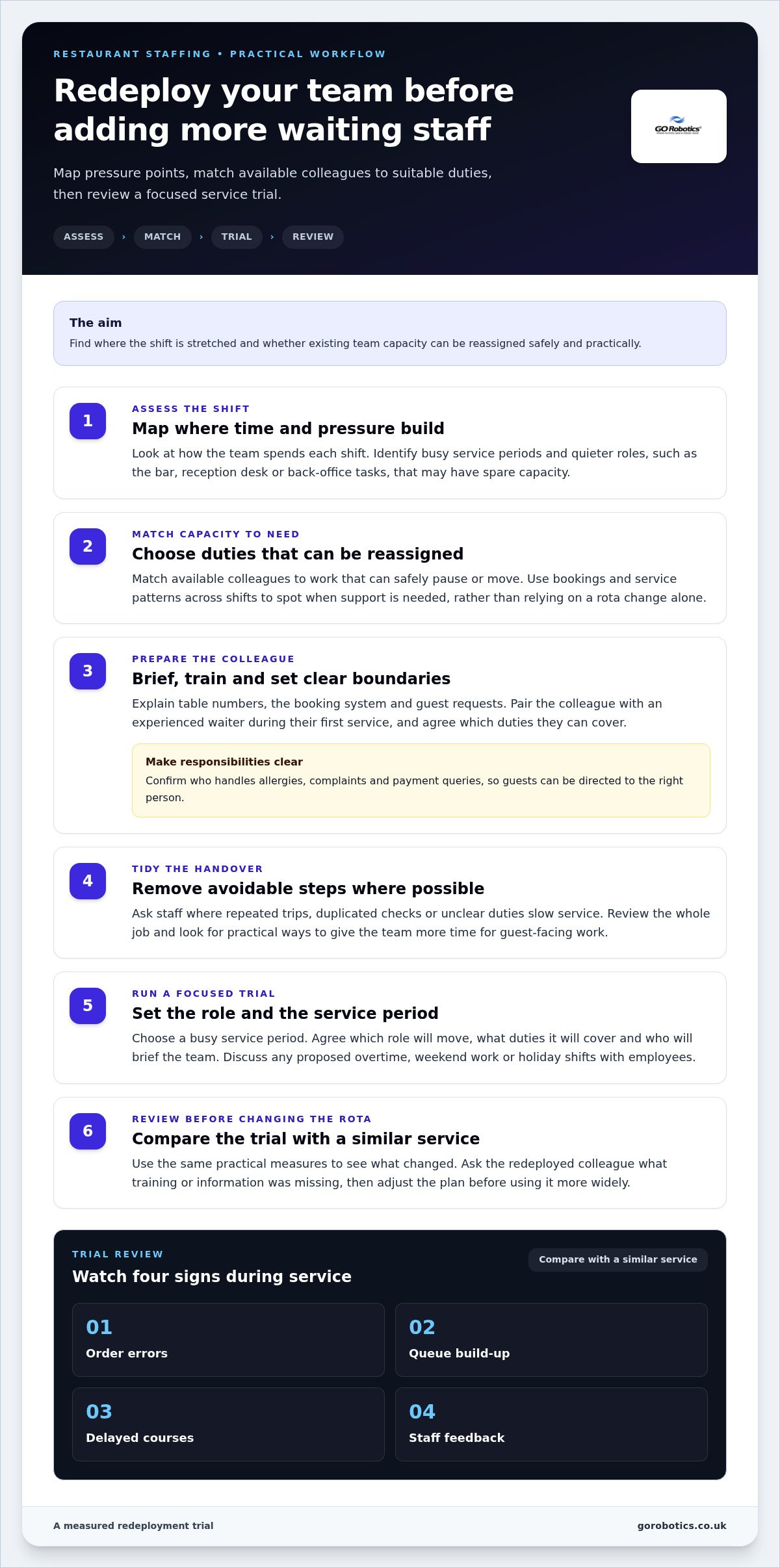
Before recruiting, map where your restaurant team spends each shift. A quieter bar, reception desk or back-office task may have spare capacity while the dining room needs support. Redeploying trained colleagues is a practical alternative to hiring more waiting staff. Identify when and where pressure builds, then match it to work that can safely pause or be reassigned.
Make the change practical, not just a rota adjustment. A colleague moving from bar service to the floor may need a briefing on table numbers, the booking system and guest requests. Pair them with an experienced waiter during their first service and agree which duties they can take on. Clarify who handles allergies, complaints and payment queries, so the redeployed worker can direct guests to the right person.
Look beyond the dining room when reviewing capacity. If bookings build before dinner, a colleague from a quieter daytime service might help prepare tables or carry meals during the evening rush. Retraining can build flexibility: someone who usually polishes glassware could learn basic food running. Review the whole job, too. Removing duplicated checks or unnecessary handovers may give staff more time for guest-facing tasks.
Use the rota to match staffing to demand. Compare bookings and service patterns across shifts, then move available team members towards periods that need support. Ask staff where handovers, repeated trips or unclear duties slow service. Their suggestions can reveal practical barriers, such as uncertainty about which tables have been reset or where to leave finished orders. If a trial involves overtime, weekend work or holiday shifts, discuss the arrangement with employees rather than assuming extra hours will solve the gap.
Two-way interviews can help when redeployment cannot cover the work. Give candidates time to ask about the role, explain how the restaurant supports its team and describe a typical shift. Discuss the pace, duties and training openly, so applicants can judge whether the work suits them. Consider transferable skills, too. Someone with customer-service experience outside hospitality may bring useful communication skills, even without every preferred qualification.
To trial these alternatives to hiring more waiting staff, choose a busy service period and agree which role will move, what duties it will cover and who will brief the team. Compare the trial with a similar service using order errors, queue build-up, delayed courses and staff feedback. Ask the redeployed worker what training or information was missing, then adjust the plan before changing the rota more widely.
2. Investing in technology and equipment
Technology can reduce the need for extra staff when it tackles a specific, repeated task. First, observe a full service and note where work pauses, information is entered twice or employees leave their station unnecessarily. Then trace the cause: a delay may start with an unclear order handover, rather than a lack of staff. Choose equipment to address that cause, not simply because it is available.
Ordering and payment systems can help, but their value depends on how well they fit your existing process. Check whether orders reach the kitchen with the right table details and requested changes. Decide who will respond when a guest needs to amend an order, split a bill or ask about an ingredient. A clear route for these exceptions prevents the digital process from creating extra work for employees.
A kitchen display system can make order status visible to kitchen and service teams. Set consistent names for dishes and modifiers, and agree how staff flag an unavailable item or delayed course. For example, a waiter should know whether a dish is still being prepared before updating a waiting guest. This shared view can reduce repeated checks, provided staff keep order information current.
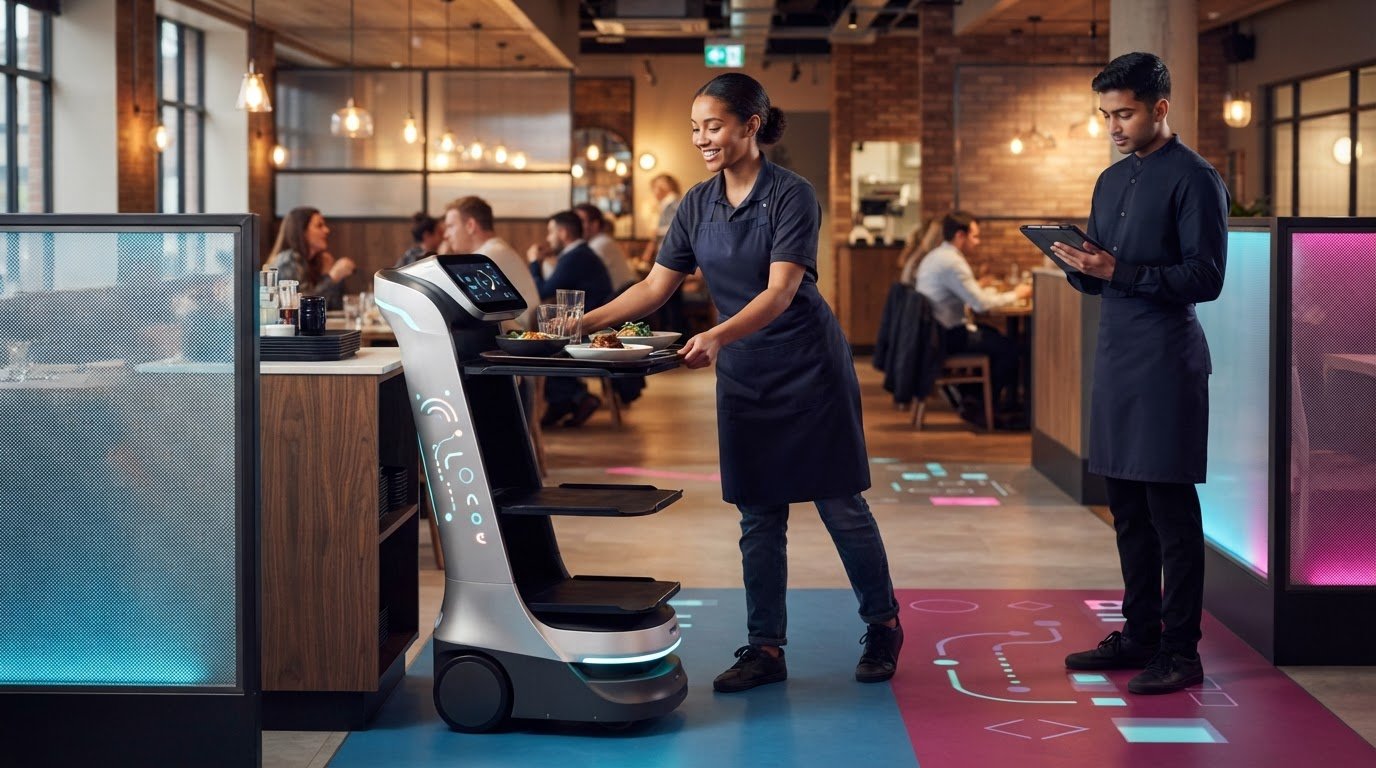
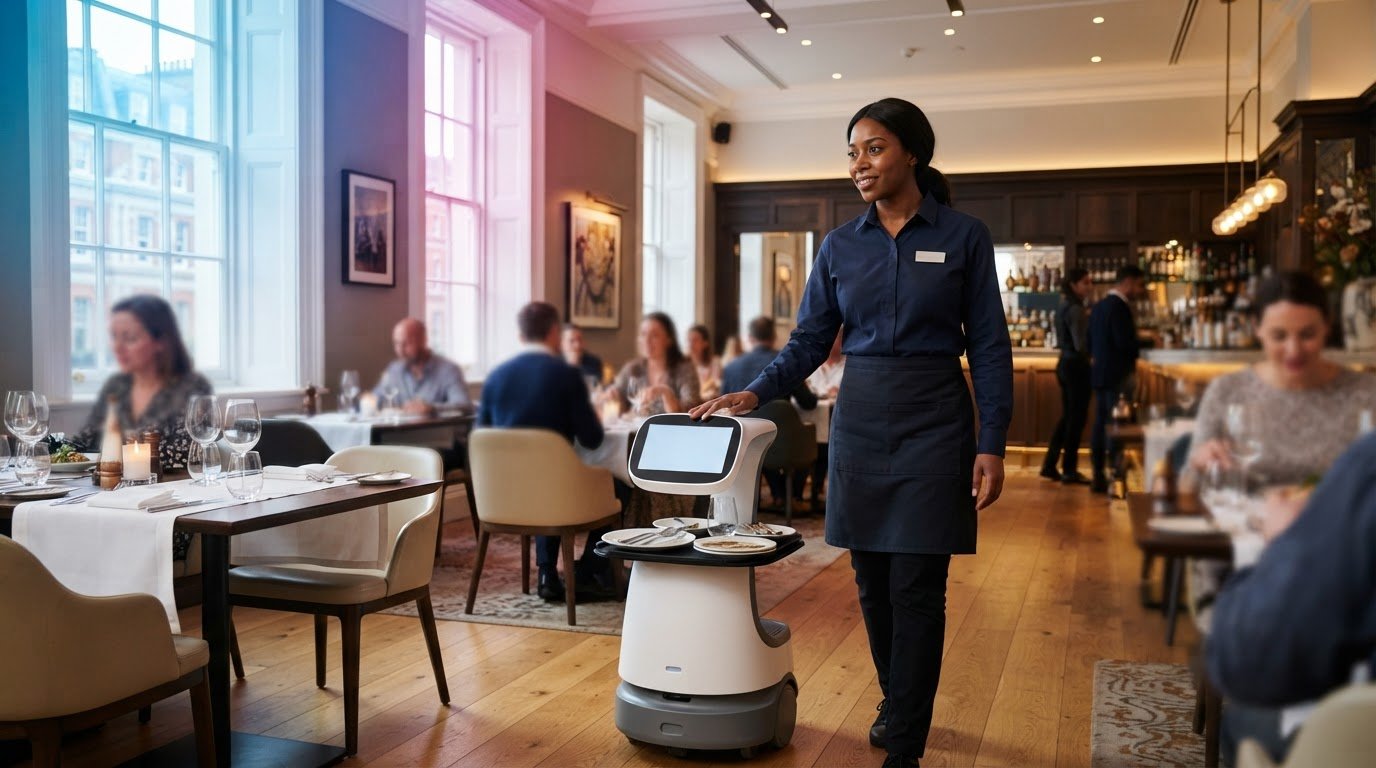
A service robot may support food running between suitable service points. Before considering one, mark the route on a floor plan and identify where dishes are loaded, collected and handed to staff. Check how the route works during a busy period, when chairs move and guests cross between tables. A team member still needs to manage handovers and respond to requests that require personal service.
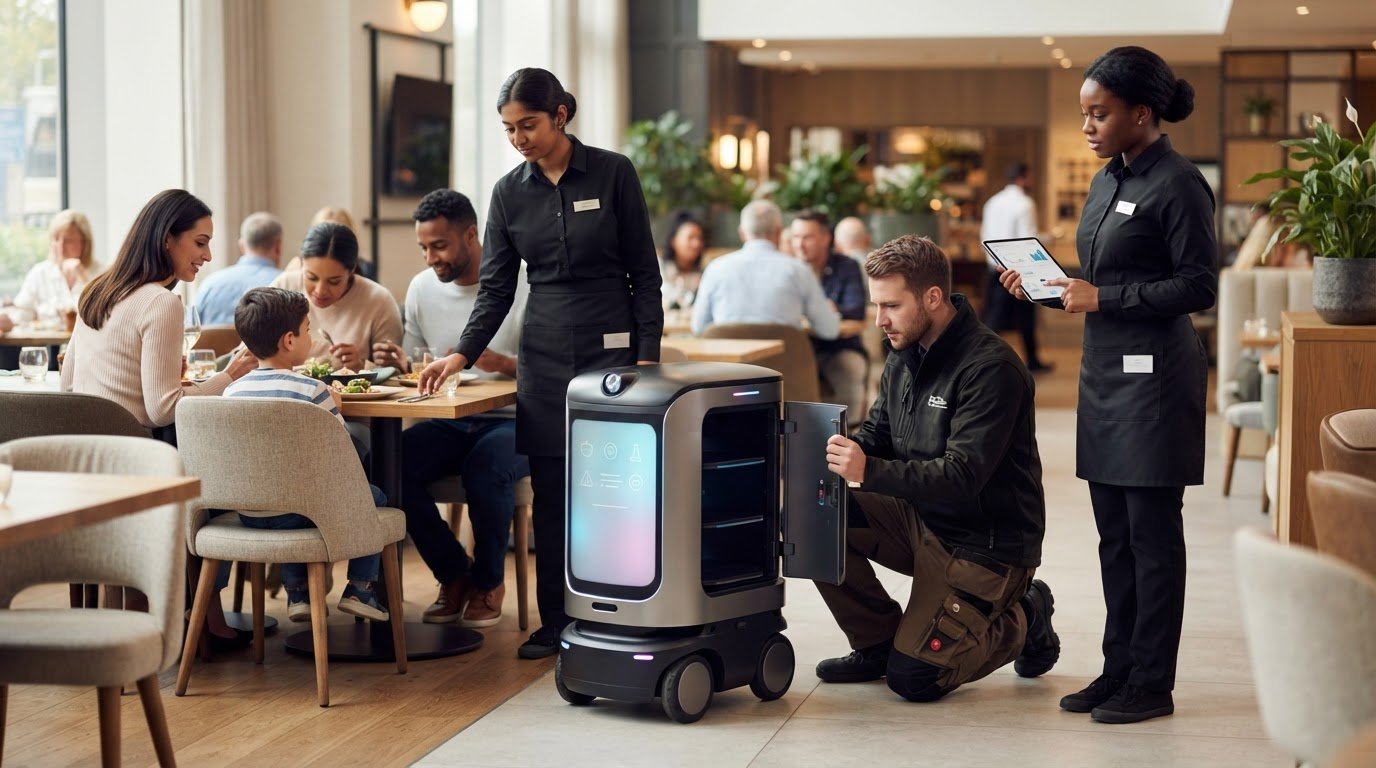
Other equipment may address a narrower bottleneck. A drinks dispenser near the service area, for instance, could reduce trips for routine refills, while a suitable bill-printing setup may simplify payment handovers. Consider cleaning, storage, staff training and what happens if the equipment stops working. Assign someone to report faults, and agree on a manual process that keeps service running while the issue is resolved.
Trial one change against a clear baseline. Record where delays occur, how often staff correct order details, and what employees say about the revised workflow. Review results with kitchen and floor teams, since an improvement at one station can create extra steps elsewhere. Keep equipment only where it supports the service process without adding new pressure. A restaurant automation assessment can help you consider where service equipment may fit your venue and working patterns.
4. How can restaurants redesign menus and table layouts to reduce staff workload?
Start with the menu. Review which dishes create extra steps, such as meals requiring separate garnishes, complicated substitutions or ingredients prepared at different stations. A shorter selection built around ingredients used across several dishes can simplify kitchen preparation and make stock easier to manage. Keep distinctive options where they matter to your offer, but remove choices that add work without serving a clear guest need.
Make each dish easier to understand before guests order. Use direct descriptions that explain the main ingredients and preparation, and show available sides or add-ons clearly. For example, a burger listing can state its standard accompaniment and describe alternatives in the same place. Clear wording can reduce repeated questions and help the kitchen receive more complete orders. Keep dietary and allergen information accurate and easy for staff to find.
Review the order journey from table to kitchen. Group menu items by course or type, and use the same names on printed menus, ordering screens and kitchen tickets. If a dish appears as “roast chicken” on the menu but “Sunday chicken” in the till system, staff may need to clarify the order. Consistent labels make handovers easier to follow and reduce avoidable corrections during a busy service.
Then look at the floor plan through a waiter’s routine. Place tables so staff can reach them without repeatedly crossing the main route from kitchen to dining area. Keep frequently used items, such as cutlery, napkins and water jugs, near the sections that need them. A clearly marked table number helps staff and kitchen colleagues identify where a dish belongs, especially when similar tables sit close together.
Set up service zones to support the way your restaurant works. For example, a central drinks station can serve nearby tables, while a clearing point can keep used crockery away from the kitchen pass. Avoid placing these stations where they interrupt guest movement or create congestion for staff carrying hot dishes. Test the arrangement during service, then adjust tables, stations and storage based on observed pinch points.
Trial menu and layout changes together only when you can tell which change affects the work. You might first update descriptions for a frequently queried dish, then review staff questions and order corrections. In a later service, move a water station closer to the dining area and observe whether staff make fewer repeated trips. Ask waiters and kitchen colleagues what has become easier or harder, then retain changes that improve the flow without making the guest experience feel less personal.
5. What UK employment, health and safety or accessibility rules apply to restaurant automation?
Introducing a robot changes how work happens, but it doesn’t remove the need to plan safe service. Before deployment, map the route from kitchen pass to dining area, including doors, corners and busy crossings. Record where staff carry hot plates and guests queue. Use the map to identify collision risks, blocked routes and points where a person must supervise or intervene.
Treat the equipment as part of your workplace risk assessment. Consider foreseeable situations, such as a robot meeting a waiter carrying a tray, a guest leaving a bag in its path or a spill making the floor slippery. Decide how staff should respond, where the robot should stop and who can take it out of service. Include these steps in the operating procedure and staff briefing.
Employment arrangements need attention, too. Explain what tasks the technology will support and which duties remain with employees. If automation changes someone’s usual work, discuss the proposed duties, training and shift arrangements with affected staff. For example, a waiter may load dishes onto a delivery robot, receive them in the dining area and continue handling guest requests. Make responsibilities clear rather than assuming the equipment runs without staff involvement.
Training should reflect the specific equipment and restaurant layout. Show employees how to start and stop the unit, load it safely, respond to an obstruction and report a fault. A practical briefing should also cover what happens during a power interruption or emergency evacuation. Keep instructions accessible to the whole team, including temporary workers who may not use the equipment every shift.
Accessibility needs to shape the route and service method. Check whether a robot, charging point or queue could obstruct a wheelchair user or narrow a shared walkway. Keep a clear way for guests to reach tables, toilets and exits, and provide staff assistance for anyone who cannot use a digital ordering system. For example, retain a staff-led ordering option alongside a table-based screen.
Before buying or deploying equipment, write down its operating limits, risk controls, staff training and accessible alternatives. Walk the proposed route during a normal service, then repeat the assessment with chairs occupied and guests moving through the space. If the robot creates an obstruction or staff cannot manage an incident safely, change the route or workflow before routine use. Review the arrangements whenever the layout or service process changes.
Consider alternatives to permanent hiring: retrain employees, reward productivity suggestions from employees, suppliers and customers, offer team and individual incentives or overtime, and use niche websites and relevant LinkedIn or Facebook groups to reach qualified candidates.
5. What are the risks of using fewer waiting staff, including customer satisfaction and service delays?
Reducing cover too far can leave guests waiting for attention, even when the kitchen is keeping pace. A table ready to order may wait while the only available waiter delivers food elsewhere. Track where guests wait, from being seated to paying, and note which delays staff can prevent. This shows whether a staffing change affects the whole visit or one specific handover.
Less visible service can also weaken the guest experience. A waiter with little time to check back may miss a request for water, a corrected side dish or help with a menu choice. These moments matter because guests judge service through small interactions as well as food quality. Make it clear how diners can get assistance, and ask staff to flag recurring requests that the new arrangement leaves uncovered.
Errors become more likely when staff rush between competing tasks. For example, one person taking orders, answering questions and delivering dishes may lose track of a modification or send a plate to the wrong table. Review order corrections, missed requests and complaints alongside waiting times. If errors rise during a particular service period, adjust responsibilities or restore cover at that pressure point.
Fewer people can also put more strain on the remaining team. A waiter repeatedly covering distant tables may have less time to take breaks, reset tables or support colleagues. Ask staff privately where the workload has become difficult, then compare their feedback with rota records and service observations. Persistent pressure can affect morale and make the rota harder to sustain, even if guests initially notice no change.
Technology creates its own service risk if the team relies on it without a fallback. If a digital ordering system stops working, guests still need a way to place orders. If a delivery robot is blocked, staff need to know who will retrieve the dishes and continue the run. Set out a simple manual process before introducing equipment, and brief every shift on when to switch to it.
Assess the change across a complete service, not just the busiest stretch. Compare guest feedback, table waits, order amendments and staff observations with the usual workflow. Look for patterns by section or task: a slow payment handover calls for a different response than late food running. Give staff a clear way to report problems before they become a routine part of service.
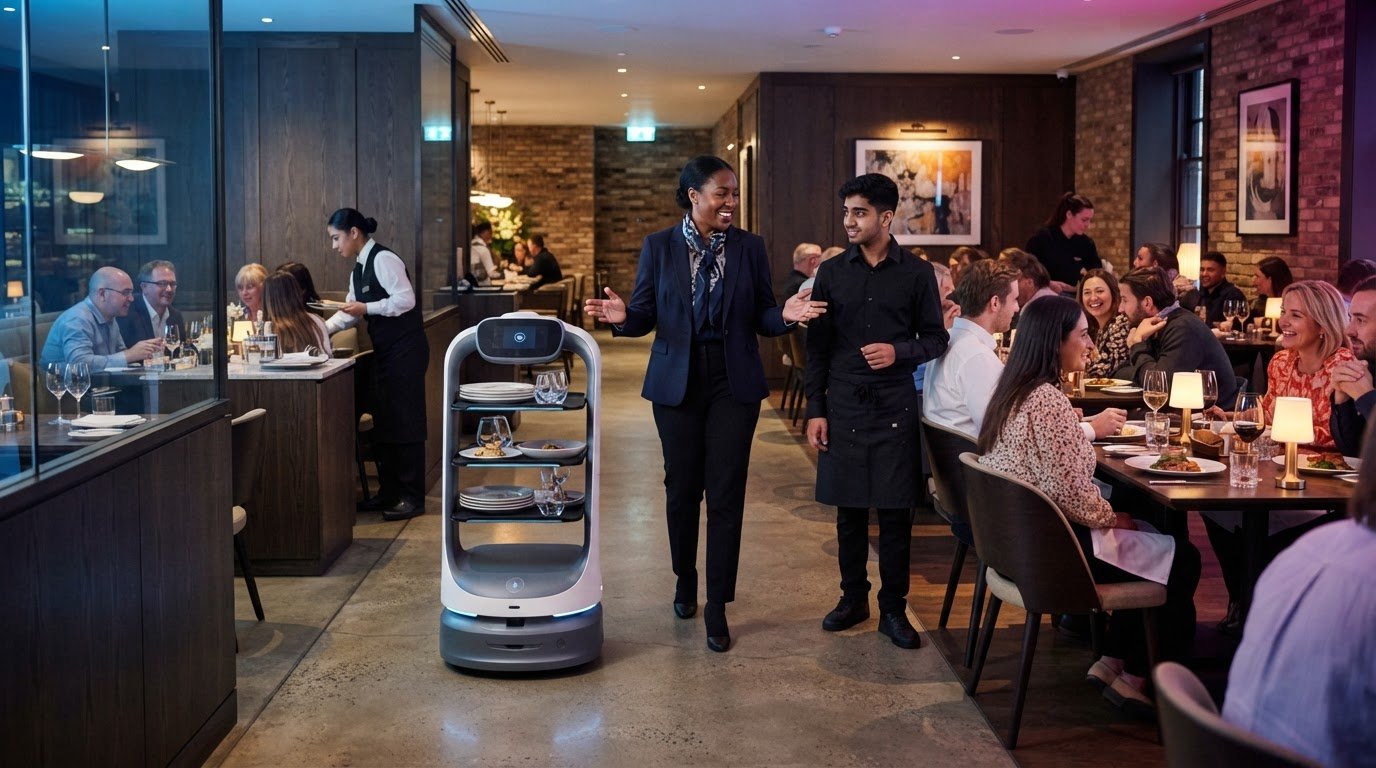
If a delivery robot is part of your plan, discuss service robot options for the tasks you want to support. Keep a named staff member responsible for monitoring the handover, so guests can still get personal help when needed.
GO Robotics: Pudu BellaBot
GO Robotics supplies Pudu BellaBot for restaurants considering a service robot alongside staff redeployment and workflow changes. It may suit venues looking to support hospitality delivery tasks while keeping employees focused on guest interactions, order queries and service recovery.
Start by identifying the work you want the robot to support, then consider how it fits your restaurant’s routes, table layout and staff handovers. GO Robotics surveys your site before recommending a model, helping you assess whether Pudu BellaBot matches your venue’s practical needs. It won’t replace the judgement and personal attention your team brings to service.
Contact GO Robotics to discuss whether Pudu BellaBot could fit your restaurant’s service needs.
Plan your next service improvement
Choose your next step by identifying where your team needs more room to focus on guests. The best alternatives to hiring more waiting staff will fit your restaurant’s service style and remain practical for employees to use. Clarify the intended role, involve the people who will work alongside any equipment, and decide how you’ll review its effect on service.
If you’re considering a service robot, GO Robotics offers Pudu BellaBot, Pudu KettyBot and Pudu CC1. Discuss which option may suit the tasks and layout you have in mind, without losing sight of the personal attention guests still expect from your team.
Contact GO Robotics to discuss options for your restaurant. A considered first step can help you make a change that works for both staff and guests.
Frequently Asked Questions
Why consider alternative recruitment strategies?
Alternative recruitment strategies offer options beyond adding permanent roles and can help match cover to the work that needs doing. For example, internal transfers can fill a service gap, while part-time or seasonal staff can support periods of higher demand. These approaches can also help you reach candidates with transferable skills. Compare each option against the duties, shift pattern and training the role requires.
What technology can reduce restaurant reliance on waiting staff?
Digital ordering, payment tools, kitchen display systems and service robots can support different parts of a restaurant’s workflow. An ordering system can send a guest’s choices to the kitchen, while a delivery robot can carry dishes between service points. Map the process first: decide who answers menu questions, handles changes and assists guests who prefer to order directly with staff.
How do QR code menus and table ordering work in UK restaurants?
A QR code opens a restaurant’s digital menu when a guest scans it with a phone camera. With table ordering enabled, the guest selects dishes, enters any requested details and submits the order for the restaurant to process. Payment may also be available through the same system. Keep printed menus and staff-led ordering available for diners who need another way to browse or order.
Can food runners or kitchen display systems improve service with fewer waiters?
Yes, separating order-taking from food delivery can help a smaller team manage service more clearly. A food runner collects and delivers prepared dishes, while a waiter can focus on seating, questions or payment. A kitchen display system can show incoming orders to kitchen staff. Agree who checks modifications and confirms table destinations, so dividing tasks doesn’t lead to missed items or duplicate work.
How much can hospitality businesses save by automating ordering and payment?
The saving depends on how much staff time ordering and payment currently take, and what ongoing expenses the chosen system adds. Estimate the time your team spends on those tasks, then compare it with the time needed to support the automated process. Include transaction charges, subscriptions, equipment upkeep and staff training in the calculation. Review service records after introducing the system to assess its overall effect.