Integrating Robots with Staff Workflows: Planning the Change
A robot works best when its task fits the rhythm of the people and equipment around it. Integrating robots with an existing staff workflow means planning how work is handed over, how cycle times align, and how the layout supports safe movement, rather than simply placing a robot on site. The goal is to support the work already being done while keeping responsibilities clear.
Successful integration takes more than choosing a robot. Staff know where delays occur, which tasks vary during a shift and what can interrupt a handover, so their input helps shape a workable plan. Training matters too: employees need to understand the robot’s role, how their tasks may change and what to do when it cannot complete a job.
This article explains how workflow mapping, equipment and layout planning can help people and robots work within the same operation. You’ll also learn how a phased rollout can limit disruption and how focused training helps staff work confidently alongside robots.
Key Takeaways
- Map how work moves between people, equipment and handover points before deciding where a robot fits.
- Compare robot cycle times with staff tasks to spot bottlenecks and uneven workloads that may need attention.
- Review equipment, floor space and safety zones together, since layout changes can affect how people and robots share an area.
- Plan a phased introduction with manual workarounds so other parts of the operation can keep running during installation.
- Involve staff early and give them practical training on handovers, safe working and what to do when a task cannot be completed.
What Does Integrating Robots with Existing Lines Mean?
Robot integration connects equipment, software and staff tasks so work can pass through an existing operation. Planning starts with the production need, available space and safe working arrangements.
Planning Around Production Needs
Match the robot’s task to the line’s pace and handovers. Otherwise, it may create a queue if the next station cannot accept its output. A collaborative robot, or cobot, might assist an operator with repetitive picking. An industrial robot might handle a defined assembly task in a dedicated cell. The right fit depends on the work and its surroundings.
Adding Robots to Legacy Lines
Adding a robot to an established line means connecting it with existing machinery, controls and routines. First, identify how equipment signals that a task is ready or complete. Older programmable logic controllers may not communicate directly with a robot controller, so an interface or middleware may be needed. A transfer station can connect a robot cell to a conveyor while keeping the existing line in use.
Social Robots and Staff Productivity
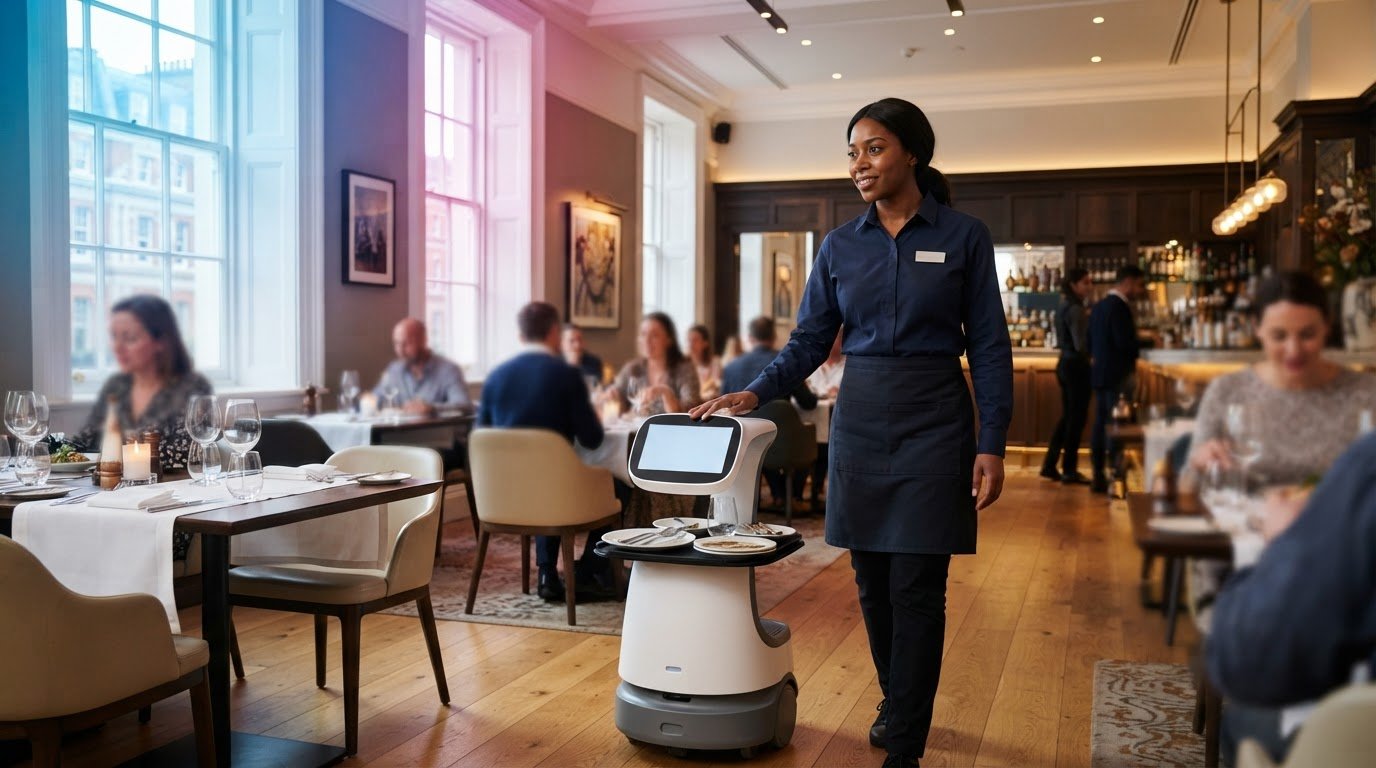
Service robots interact with people in settings such as reception areas and hospitality venues. They can handle defined tasks, such as giving directions, while employees focus on requests that need personal judgement. Set clear boundaries: reception staff should know when to step in if a visitor needs help beyond the robot’s role. Productivity depends on fitting the task into service routines, not automating every interaction.
A complete redesign may not be necessary. Add a robot cell at one point, with a manual handover at either end, while the rest of the line continues to operate.
In the UK, assess workplace risks and plan safeguards for the full robot system and its work area. The International Organization for Standardization identifies ISO 10218-1:2011 and ISO 10218-2:2011 as international robot safety standards.
There is no single integration figure that suits every workplace. Scope depends on the robot, equipment interfaces, layout changes and required safeguards.
Involve staff by asking experienced operators to point out where work pauses, products vary or handovers break down. Use their examples to define the robot’s task and the team’s responsibilities.
Integration typically involves mapping tasks, checking equipment and software connections, planning safeguards, then testing the complete process with staff.
After deployment, compare completed output, cycle times, stoppages and manual interventions with the operation before the change. Include installation and running expenditure when assessing whether productivity gains support the investment.
Redesigning workflows and balancing cycle times
Workflow redesign adjusts how tasks, materials and people move around a robot’s work area. The aim is to keep work flowing at a sustainable pace, rather than speeding up one station and creating a queue at the next. Experienced staff can reveal where written procedures differ from everyday practice. A practical approach to integrating robots with an existing staff workflow starts by observing the task as it happens.
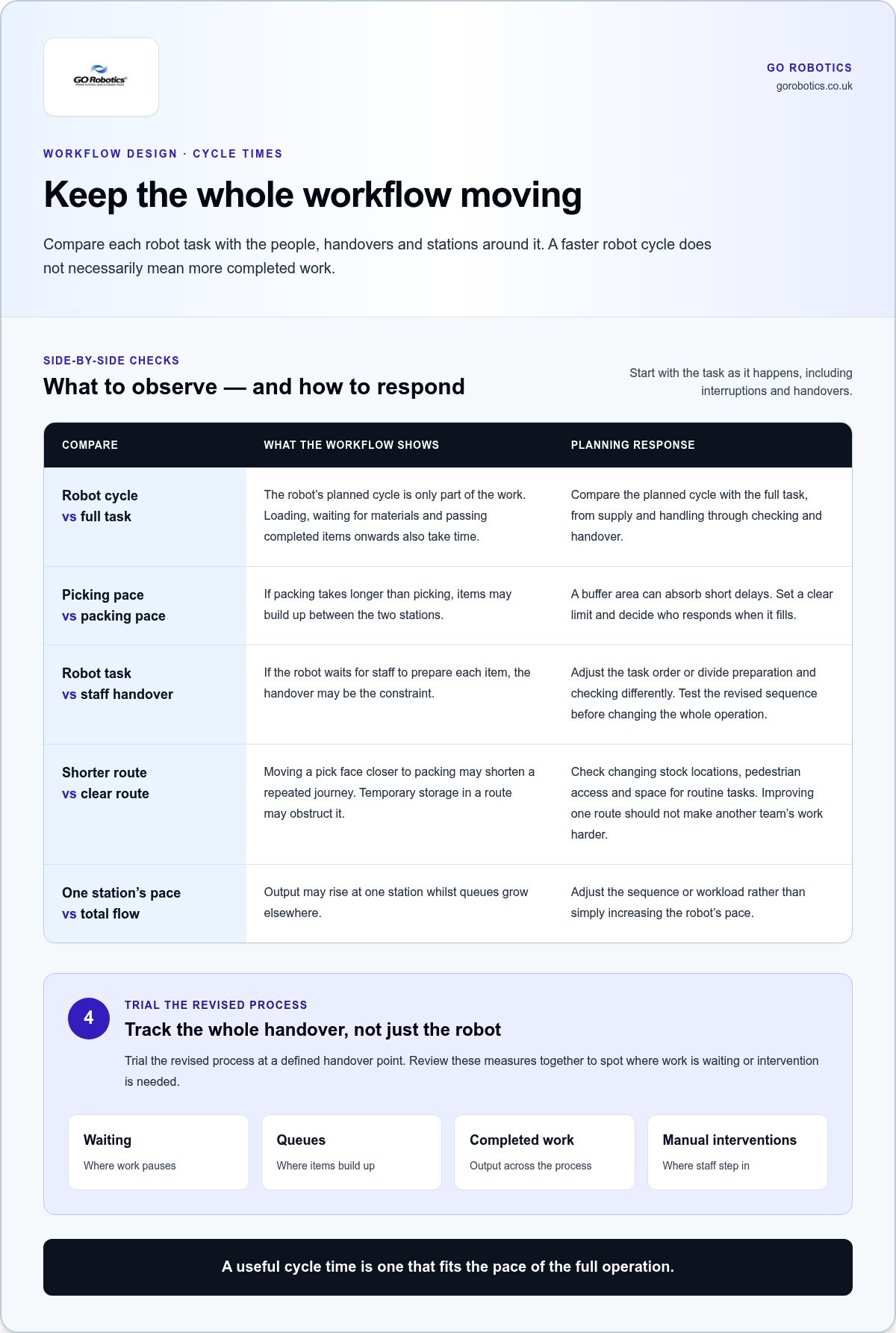
Break the work into repeatable steps: supply, handling, checking and handover. For each step, record how it runs under normal conditions and where interruptions occur. Compare the robot’s planned cycle with the full task, including loading, waiting for materials and passing completed items onwards. A robot may complete its own task quickly but add little throughput if the next station cannot accept its output.
Look for uneven cycle times. If packing takes longer than picking, items may accumulate between stations. A buffer area can absorb short delays, but set a clear limit and decide who responds when it fills. If the robot waits for staff to prepare each item, the handover may be the constraint. Adjust the task order or divide preparation and checking differently, then test the revised sequence before changing the whole operation.
In warehouses, layout affects travel and task timing. Trace routes for replenishment, picking, packing and dispatch, including worker crossings and staging points. Moving a pick face closer to packing may shorten a repeated journey; placing temporary storage in a route may obstruct it. Account for changing stock locations, pedestrian access and space for routine tasks. Improving one route should not make another team’s work harder.
Redesign also changes job responsibilities. A worker who moved stock between stations might instead check item condition, prepare the next batch or resolve exceptions. Define who handles damaged goods, missing items and interrupted robot tasks. Discuss these changes with the people doing the work, and use their examples to refine procedures. When integrating robots with an existing staff workflow, clarify responsibilities during busy periods.
Before deployment, use simulation where suitable to test cycle times, reach, task sequencing and possible bottlenecks. Compare the model with observations from the actual environment, then trial the revised process at a defined handover point. Track waiting, queues, completed work and manual interventions together. If throughput rises at one station but queues grow elsewhere, adjust the sequence or workload instead of simply increasing the robot’s pace.
For a workplace considering mobile service robots, planning a robot deployment can begin with the routes, handovers and staff tasks that need to fit together.
Mechanical compatibility and layout changes
A robot must fit the physical workplace as well as the task. Check the machine, floor, routes and work areas together, because a change in one place can affect workers and equipment elsewhere.
Start with the robot’s footprint, reach and working position. Its reach envelope is the area its arm can access, including space for tools and safe movement. Compare this with existing conveyors, benches and racking. For example, a robot may reach a conveyor but still obstruct an operator’s access to machine controls or a maintenance panel.
Check how materials enter and leave the work area. A transfer station or buffer zone can connect a robot cell to a conveyor without replacing the full line. Handover height, direction and timing all matter. If a box arrives in the wrong orientation, the robot may not complete its task. A small adjustment to guides or staging positions can make the handover clearer.
Review floor plans just as carefully. Mark columns, doorways, charging or parking points, pedestrian routes and places where workers routinely stop. An autonomous mobile robot, which moves between destinations without a fixed track, may travel alongside conveyors. Its route should not create pinch points where people need to pass, pick stock or access facilities. Account for temporary obstructions too, such as pallets awaiting collection.
Existing equipment can also limit where a robot fits. Check the condition and position of machine guards, fixtures, work surfaces and control panels. End-of-arm tooling, the attachment that handles a part, must suit the part and leave enough clearance around the machine. If a robot loads a press, for instance, its path must avoid fixtures and leave the operator room to reach controls and carry out routine checks.
Plan the shared work area around the actual tasks. Identify where operators stand, where materials are placed and which points need regular cleaning or maintenance. Then mark the robot’s working area and any separation needed from staff. Consider safety devices and line controls as part of the layout, rather than adding them after equipment is positioned. This can prevent later changes that disrupt access or the production sequence.
Before installation, walk through the proposed layout with operators and maintenance staff. Ask them to demonstrate how they load parts, clear jams and reach service points. Use these demonstrations to check clearances and handovers, then update the drawing before equipment is moved. For mobile robots, test routes with realistic loads and normal activity, including people working nearby.
Reviewing robot placement against existing equipment and staff routes is a practical starting point for planning robot layouts.
Phased deployment and manual workarounds to limit downtime
A phased rollout introduces automation in manageable stages instead of changing the whole operation at once. Plan each stage around production controls, staff tasks and safety to help limit disruption.
Phasing Robot Deployment
Phased deployment introduces automation at a defined point, assesses how it works, then expands it when the process is ready. This allows you to resolve compatibility issues before they affect other parts of the operation.
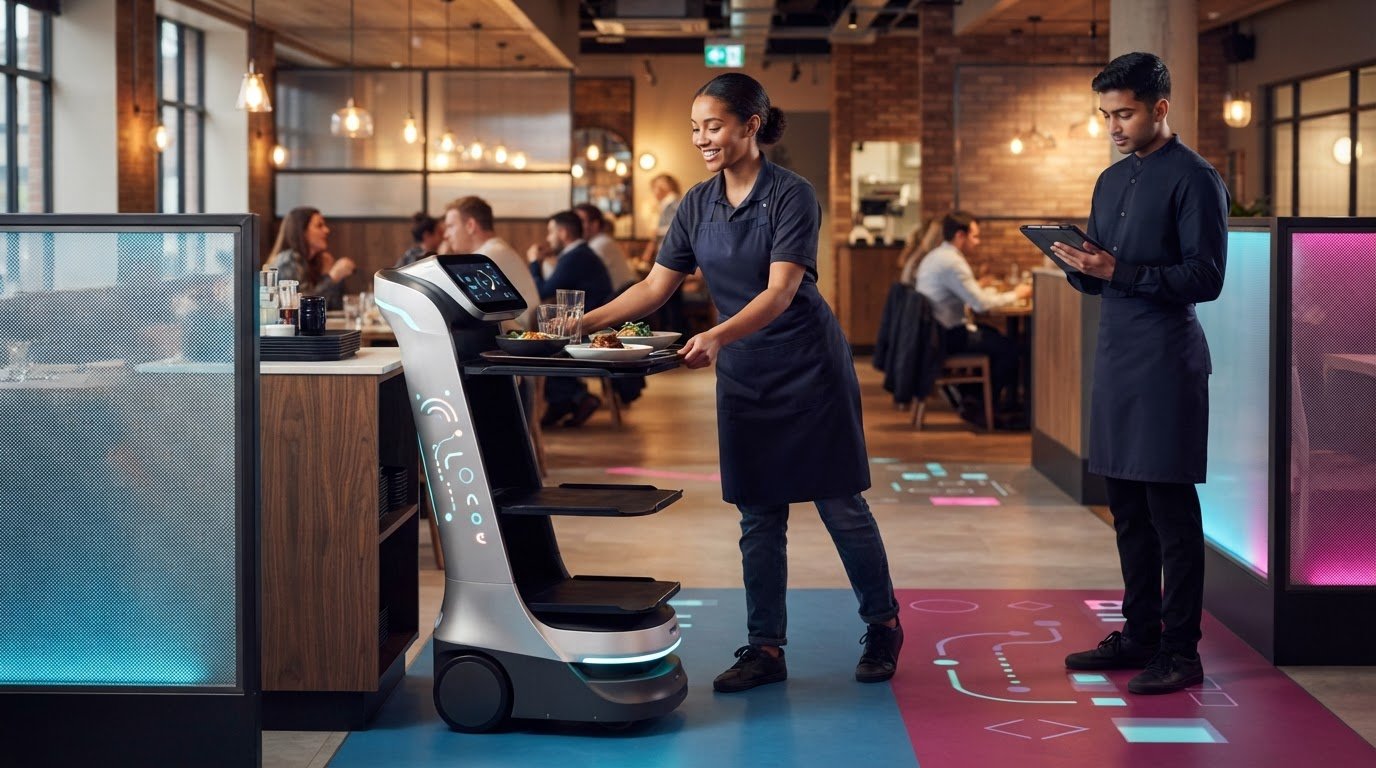
A standalone robotic cell can begin at one handover point, with people passing materials to it and receiving completed work. Keep the rest of the line running while the cell is installed and tested. Check that its controls communicate with nearby equipment, and agree how to handle faults or interruptions.
For a warehouse pilot, one approach is to use two to three robots in one area for about three to six months. During that period, review task completion, waiting, manual interventions and staff feedback. The pilot should reflect ordinary operating conditions, including workload changes and interruptions, rather than just a carefully controlled demonstration.
Set clear criteria before expanding. Check whether the robot completes its assigned movement, staff can manage exceptions and nearby stations continue working as planned. Use the findings to adjust routes, task allocation or training. Add another work area only when the first stage fits existing processes and controls.
Manual Workarounds During Deployment
A manual workaround is a planned way for staff to continue a task when installation, testing or a fault temporarily stops automation. It prevents the robot from becoming the only route for essential work while the wider line waits.
For a conveyor installation, agree how staff will move items around the affected section. This might involve a temporary manual handoff between the stations before and after the new cell. Define who does each task, where items wait and how completed work rejoins the normal process.
Keep the workaround simple and safe. Brief workers on when to switch to manual handling, how to identify affected items and who can restart the automated sequence. Mark temporary storage and routes clearly so materials do not block access or create confusion beside the robot.
Before deployment, rehearse the changeover using the actual equipment and instructions. Test what happens if a sensor stops the process, a system connection fails or a part arrives in the wrong position. Record recovery steps where operators can find them, then review the procedure with staff after testing.
These preparations help teams maintain production as the new process is introduced in stages. Keep the manual method available until the robot, surrounding equipment and staff handovers work together reliably in the intended environment.
Training staff to work with robots
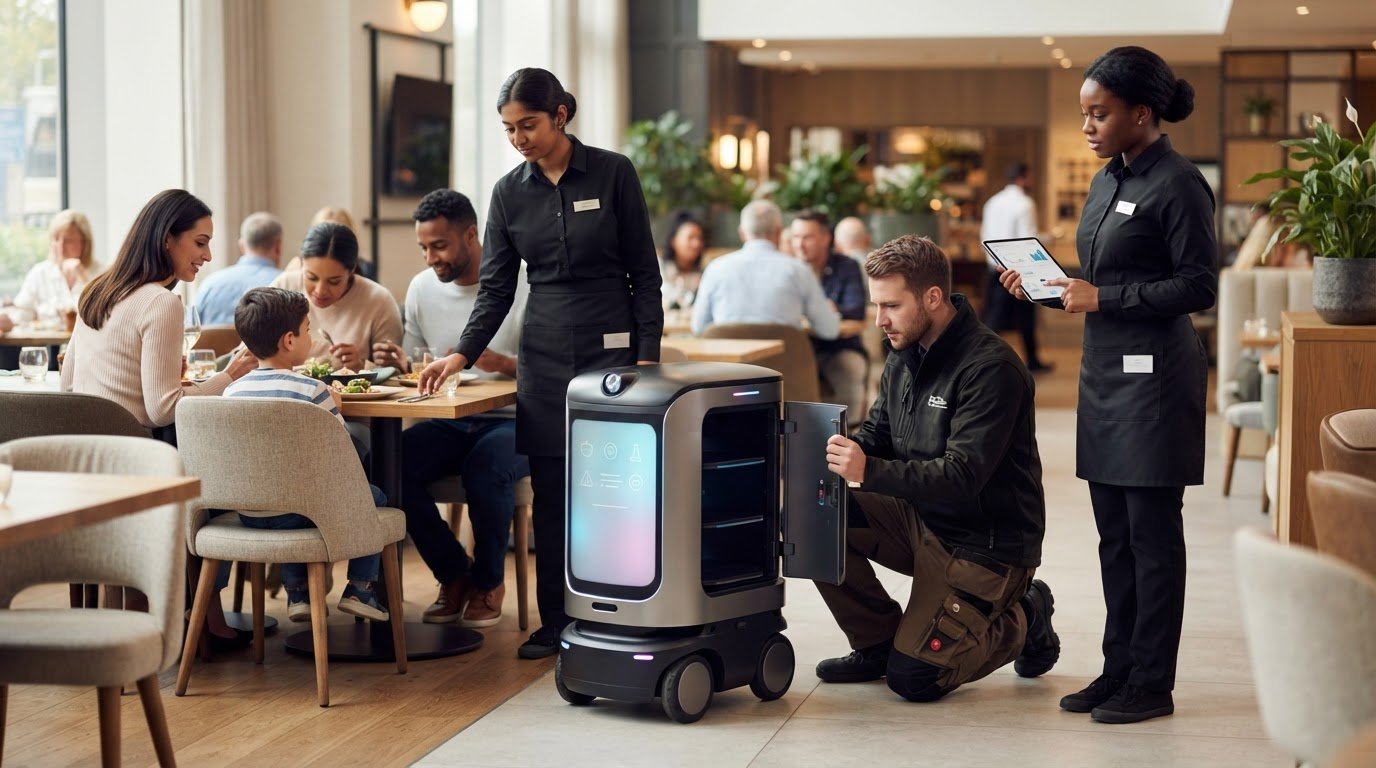
Training helps employees work safely and confidently around robotic systems. Explain the robot’s assigned tasks, how they affect daily routines and what staff should do when the usual process changes. Start before the equipment arrives, giving employees time to understand the reason for the change and raise practical concerns.
Explain the working arrangement with examples from the actual site. If a robot moves items between areas, show staff where to load it, where to receive items and who handles an incomplete delivery. Clarify which decisions remain with employees. A clear division of tasks shows people how the robot fits into their responsibilities.
Tailor training to each role. Operators need to practise routine controls and handovers. Supervisors need to know how to manage interruptions and assign follow-up work. Maintenance staff need the right procedures for reporting faults and safely accessing equipment. Use plain instructions, labelled diagrams and demonstrations in the area where the robot will operate.
Practise movement and stopping procedures in the robot’s working environment. Show how it follows its route, what staff should do if someone blocks it and how to respond if it stops unexpectedly. Employees should practise the agreed response while the robot is stationary, then raise any questions before routine operation begins.
Include less common situations in the briefing. For example, staff sorting parcels should know what to do if an item is damaged, missing or misplaced. Agree who pauses the task, who records the issue and who authorises a restart. These details reduce guesswork during a busy shift or when the usual supervisor is unavailable.
Give employees a way to share feedback after training. Ask which instructions were difficult to follow and whether the route, controls and handovers reflect actual working practice. Use their observations to improve briefing materials and local procedures. Repeat training when the robot’s task or working area changes, and give new team members the same practical guidance.
After the robot enters service, supervisors can observe real handovers and note recurring questions, stoppages or misunderstandings. Use those observations to refresh instruction, rather than assuming an initial briefing covers every situation. Explain changes before they take effect, so staff know what to expect and whom to approach with concerns.
Clear training supports a more considered introduction of robots into daily work. To discuss staff preparation alongside a service robot, contact GO Robotics.
GO Robotics: Pudu BellaBot
GO Robotics can help you assess whether Pudu BellaBot fits a defined service task and your staff’s routine. Start by identifying the handover it would support, who prepares each task and how employees will manage exceptions. This provides a practical basis for planning the robot’s role in the workplace, rather than treating it as a separate addition.
For other service settings, GO Robotics also offers Pudu KettyBot and Pudu HolaBot. The right choice depends on the task and how it fits your people, routes and operating environment. Map those details before deciding where a robot belongs, then plan staff briefings around the tasks and handovers that will change.
To discuss how a service robot could fit your workplace, contact GO Robotics or visit gorobotics.co.uk.
Plan the next step around your team
Make your next decision practical: choose a task where a robot can support the way your team already works. Clarify the handover, staff responsibilities and what should happen when the routine changes. This gives you a useful starting point for assessing whether the equipment fits your workplace.
Integrating robots with an existing staff workflow works best when the people doing the work help shape the plan. Their day-to-day knowledge can reveal details that floor plans and process notes miss, from awkward handovers to busy routes. Keep those observations in mind as you decide what to automate first.
GO Robotics offers Pudu BellaBot, Pudu KettyBot and Pudu CC1. The appropriate model depends on the task and setting you have in mind, so focus your discussion on the work you want to support and how staff will interact with the robot.
Contact GO Robotics to discuss a suitable starting point for your operation. A considered plan can help you introduce automation in a way that works for both your team and your business.
Frequently Asked Questions
Do you have to redesign the whole line to add robots?
No, adding a robot rarely means replacing every station or rebuilding the whole line. The key is whether the selected task can connect with the existing process without creating a new constraint. For instance, retain established inspection equipment and assess only the points where product presentation or timing must change. A full redesign may be needed if the current layout cannot support the task safely or consistently.
Human-robot interaction: What changes in the workplace?
The main change is how employees coordinate work around a machine that moves or acts independently. Staff may need to account for its route, recognise its operating status and check whether it has completed a task. Explain these expectations in everyday language. Invite employees to raise concerns about pace, role changes or working alongside equipment, and address them before routine use.
What are the main challenges of robotic integration?
A common challenge is variation: a robot may handle standard items well but need a different process for unusual shapes, packaging or presentation. Another is reliance on connected equipment or software, where a fault elsewhere can interrupt the robot’s task. Define which conditions the process can handle and which require human judgement. Clear limits help prevent exceptions from becoming routine stoppages.
How to assess existing workflows for robot integration
Along with observing the task, review available records such as fault logs, rejected items and shift notes. They can show whether delays stem from missing materials, quality issues or inconsistent product presentation. Compare the records with staff accounts to distinguish occasional problems from recurring patterns. Aim to define normal inputs, acceptable outputs and situations that need a person to decide what happens next.
Which tasks are suitable for robots alongside human staff
Look for tasks with repeatable steps, stable inputs and a clearly checkable outcome. Tasks that depend on interpreting unusual requests or judging an item’s condition may need more human oversight. For example, a machine may sort items by a consistent label while a person reviews unclear or damaged items. The key test is whether the task remains predictable in everyday conditions.
How to train staff to work safely with robots
Check understanding through demonstration, not attendance alone. Ask employees to explain operating signals and show how they would respond to a realistic scenario. Record who has completed role-specific instruction, and make guidance easy to find during a shift. Repeat the briefing when a route, task or robot setting changes, since an adjustment can create new working conditions.
What are the risks and common challenges of integrating robots with staff workflows?
Risks include staff bypassing an inconvenient process, unclear responsibility for unusual items and interruptions caused by connected equipment. These issues can weaken safety controls or make work harder to trace. Define who can approve changes to the robot’s task, how staff report unsafe conditions and how incidents are recorded. Reviewing these arrangements with employees can reveal gaps before they become established habits.