Improving Retail Efficiency With Technology to Reduce Errors
Improving retail efficiency with technology starts by matching digital tools and automation to specific store tasks. Inventory systems can help retailers track stock and pricing records, while connected sales, ordering and checkout processes can reduce repeated manual work. The goal is clearer information and smoother day-to-day operations, so staff can focus on decisions and customer needs that require their judgement.
Retail technology can support more than stock control. Tools that connect online and in-store shopping, guide operations or assist employees can address different sources of friction. The right choice depends on where errors occur, how work moves between teams and what customers need. This article explores how to identify inventory and pricing discrepancies, assess in-store technology, and use data and automation to support staff. It also considers automation risks and how to tell whether a tool is helping. Start by identifying a practical area for improvement before deciding which technology belongs in your store.
Key Takeaways
- Use inventory records to compare stock on hand, deliveries and sales, making discrepancies easier to spot and investigate.
- Connect store and online stock information so customers and staff can make decisions using consistent availability data.
- Choose checkout and in-store technology around a specific customer or staff need, rather than adding tools without a clear purpose.
- Use staff feedback and workflow information to find repetitive tasks and bottlenecks that technology could help address.
- Consider whether a service robot such as Pudu BellaBot fits a practical task in your retail setting, alongside inventory and checkout improvements.
Detecting inventory discrepancies and pricing errors
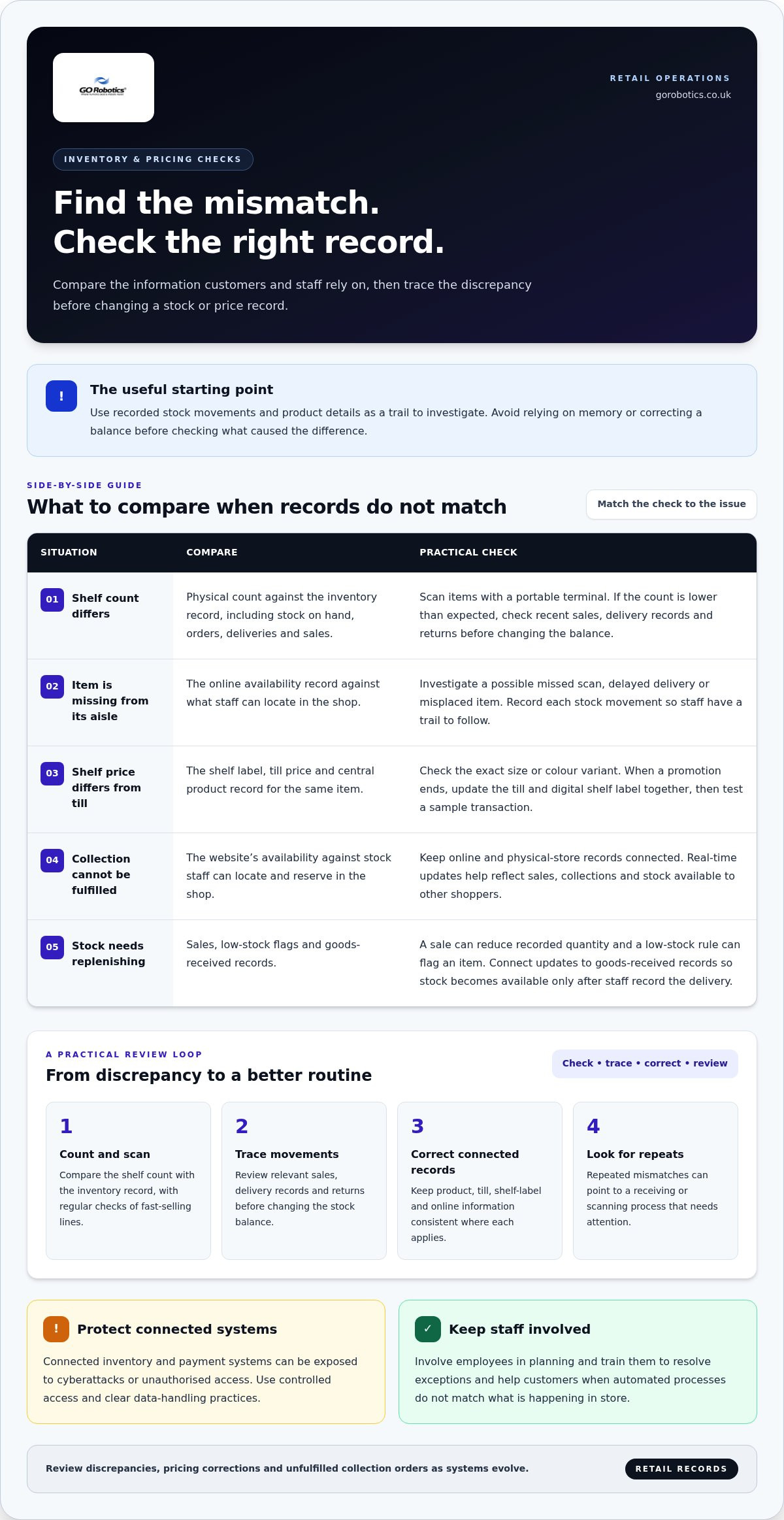
An electronic inventory system records stock on hand, orders placed, deliveries received and sales completed. Compare these records when the shelf count differs from the system. A product marked as available online but missing from its usual aisle may indicate a missed scan, delayed delivery or misplaced item. Recording each movement gives staff a trail to investigate instead of relying on memory.
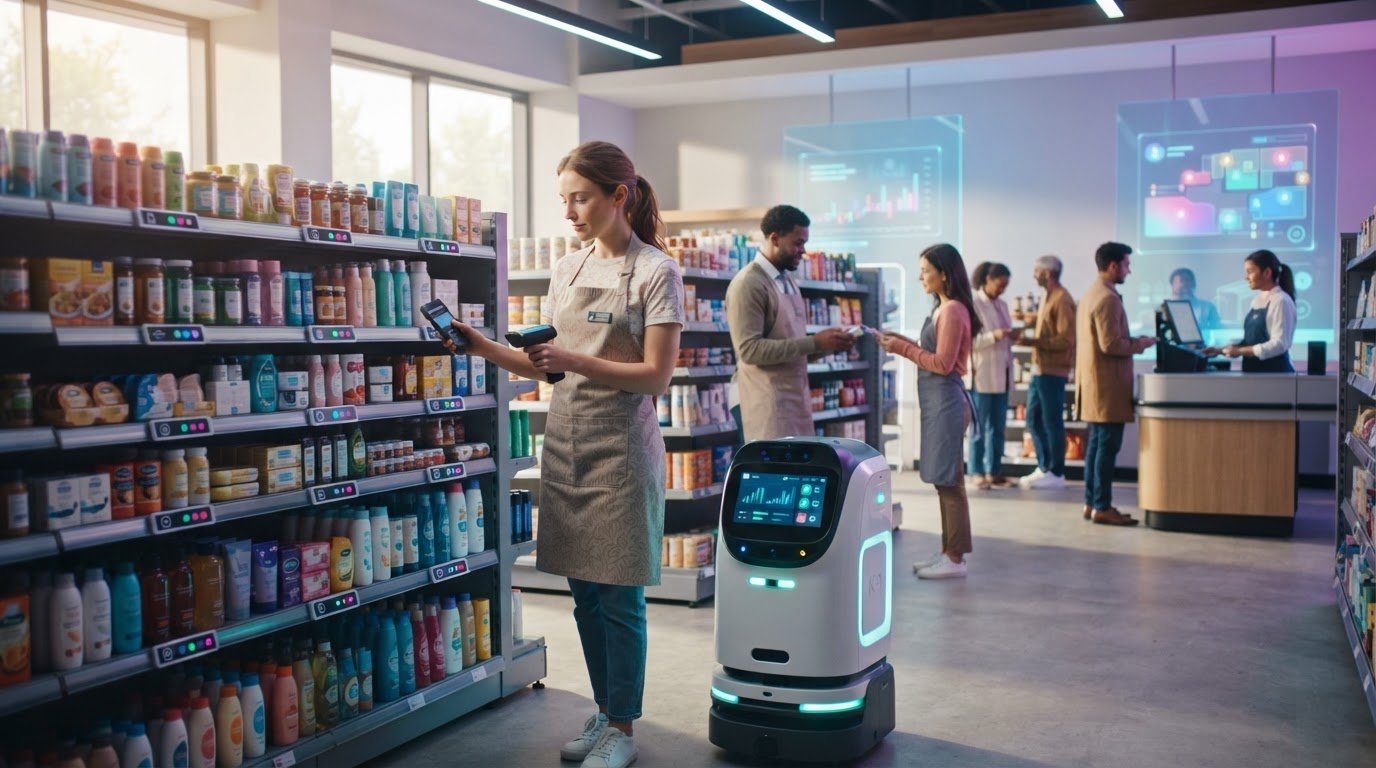
Use portable terminals to scan products during stock counts and compare the results with inventory records. If a count finds fewer tins of a product than the system expects, check recent sales, delivery records and returns before changing the balance. Regular checks of fast-selling lines can help staff find discrepancies before customers make a wasted trip.
Pricing errors need a separate check. Compare the shelf label, till price and central product record for the same item, including its size or colour variant. When a promotion ends, update the till and any digital shelf label together, then test a sample transaction. This can catch a mismatch before it affects more customers or causes avoidable checkout corrections.
Demand forecasting links past sales to future stock decisions. Retailers can compare a product’s sales history with seasonal patterns, then adjust quantities for an upcoming promotion. If a forecast suggests stronger demand for a particular coat, the buyer can review stock across branches before ordering. Forecasts inform decisions, but staff should also account for local events and changing customer preferences.
Omnichannel inventory management brings online and physical-store records together. For click-and-collect, customers expect the website to show stock that staff can locate and reserve in the shop. Real-time updates help close the gap between a sale, a collection and the stock still available to other shoppers. The same records can show staff whether an item is available for local collection or delivery from another branch.
Automation can manage routine inventory updates and order processing. A sale can reduce the recorded quantity, while a low-stock rule flags an item for replenishment. Connect this workflow to goods-received records so stock becomes available only after staff record the delivery. This cuts duplicate entry and gives teams clearer information when sales traffic increases.
Retail automation also carries risks. Connected inventory and payment systems can be exposed to cyberattacks or unauthorised access, so retailers need controlled access and clear data-handling practices. Automation may change some staff duties; involve employees in planning and train them to resolve exceptions and help customers.
Review discrepancies, pricing corrections and unfulfilled collection orders as systems evolve. Repeated stock mismatches in one category, for example, may point to a receiving or scanning process that needs attention. Use these findings to refine counting routines, product records and replenishment rules, then check whether staff can resolve exceptions without disrupting the shopping experience.
In-store technology investment and retail competitiveness
In-store technology can support customer experience and store operations when it addresses a specific need. For UK retailers, the practical starting point is to identify where customers or staff lose time, then assess tools against that task.
Choosing and implementing efficiency technology
Choosing and introducing efficiency technology starts with a defined store need and a process staff can use. This helps smaller retailers avoid adding systems that create extra work without improving the customer visit or everyday operations.
Start with a practical example. If customers struggle to find products, a store directory or app could show item locations. If shoppers make unnecessary trips because they cannot confirm availability, connect store information with eCommerce so they can see whether an item is available for collection or delivery. Keep information consistent across channels.
Location-based notifications can share a relevant offer when a shopper is near a department. Use customer preferences to make messages useful instead of sending repeated prompts during a visit. Augmented reality, which overlays digital images on a view of the real environment, can also help customers assess products. A homeware retailer, for instance, might let shoppers preview how a furnishing could look in a room.
Choose a manageable starting point, such as one department or customer task. Ask staff to use the tool during normal work and note where it saves effort or adds steps. Their feedback can uncover practical issues, such as an outdated product location or a notification that interrupts service, before the approach is expanded.
Rules and measuring efficiency gains
Using technology responsibly and measuring efficiency gains means respecting customer information and checking results against the original operational goal. A tool can affect customer privacy, staff responsibilities and service quality as well as store efficiency.
UK retailers must handle customer information responsibly and explain its use clearly. Collect only the information needed for the service, limit access to staff who require it, and tell customers how their data is used. When using artificial intelligence (AI), consider privacy and possible bias, and keep people involved in decisions that affect customers.
Measure the task the new tool is intended to improve. For a store directory, record how often customers ask staff where products are. For eCommerce collection, review missed reservations and delays between an order and collection readiness. For notifications, compare customer responses with complaints or requests to stop receiving messages.
Use staff feedback alongside those records. If a digital display helps customers find a department but employees still have to correct product locations, update the underlying information before judging the tool. This gives you a clearer basis for adjusting the setup, providing more training or extending the approach to another part of the store.
Technology for employee efficiency
Retailers can use data analytics to compare sales patterns, customer traffic and staff workflows, then plan coverage around demand. For example, stronger afternoon activity in a department may justify assigning more colleagues there at that time. Improving retail efficiency with technology starts with information that helps managers make practical staffing decisions.
A workforce management platform can bring rotas, staff availability and planned tasks into one view. Managers can use it to spot a shift with too few people available for deliveries, customer queries and till support. They can then adjust responsibilities or shift coverage before the pressure reaches the shop floor.
Cloud-based communication tools help staff share timely updates across a store. An employee, for example, can report a broken fitting-room hook or a display that needs attention through a shared channel. The right colleague can take on the task, while others avoid repeating the report or searching for its status.
Digital training resources give employees quick access to product details and service guidance. A new team member answering questions about a garment’s care instructions could refer to an approved information page while helping a customer. Managers should keep this material current so staff do not rely on outdated guidance or conflicting notes.
Time-tracking and workflow tools can help identify bottlenecks in routine work. If records show that click-and-collect handovers regularly interrupt till support, managers can review task timing and responsibilities. Use the records to improve the process, not simply to judge employees by the number of tasks completed.
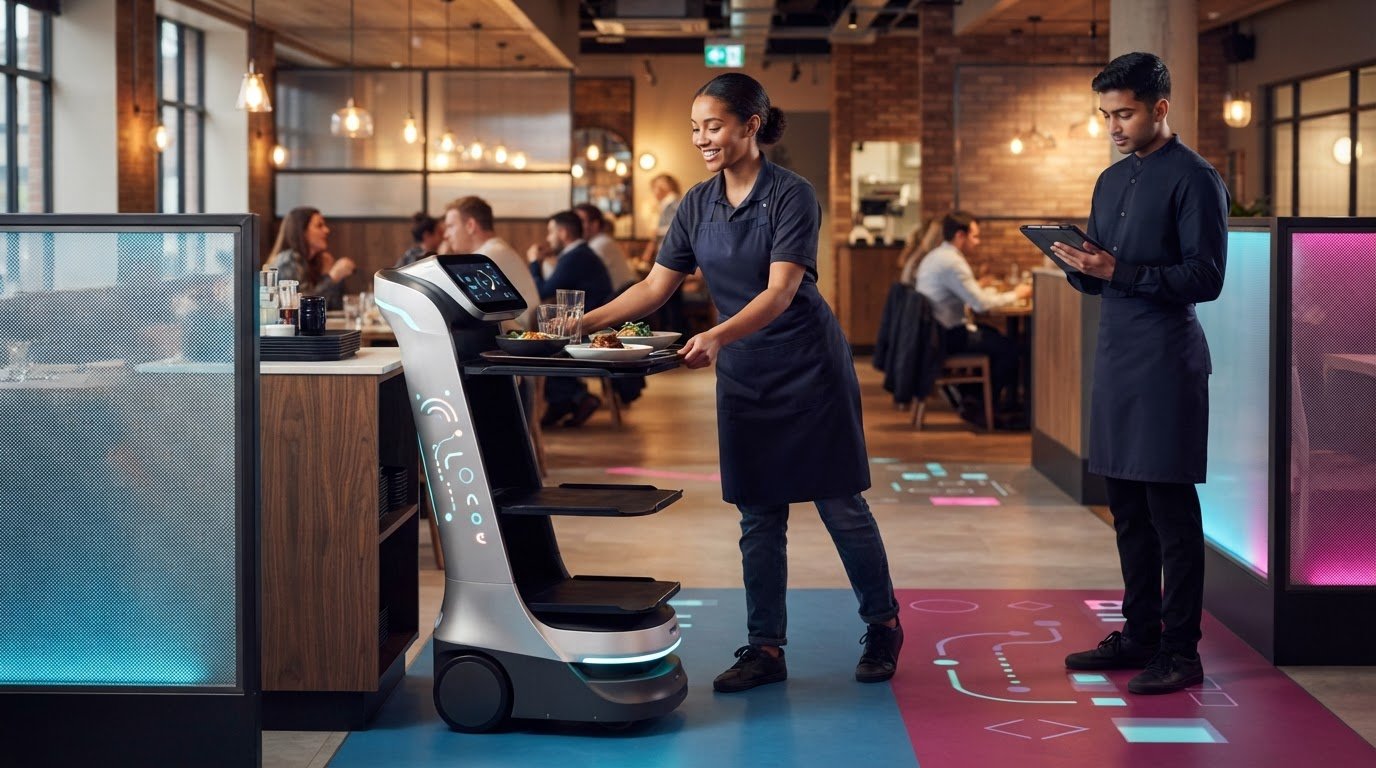
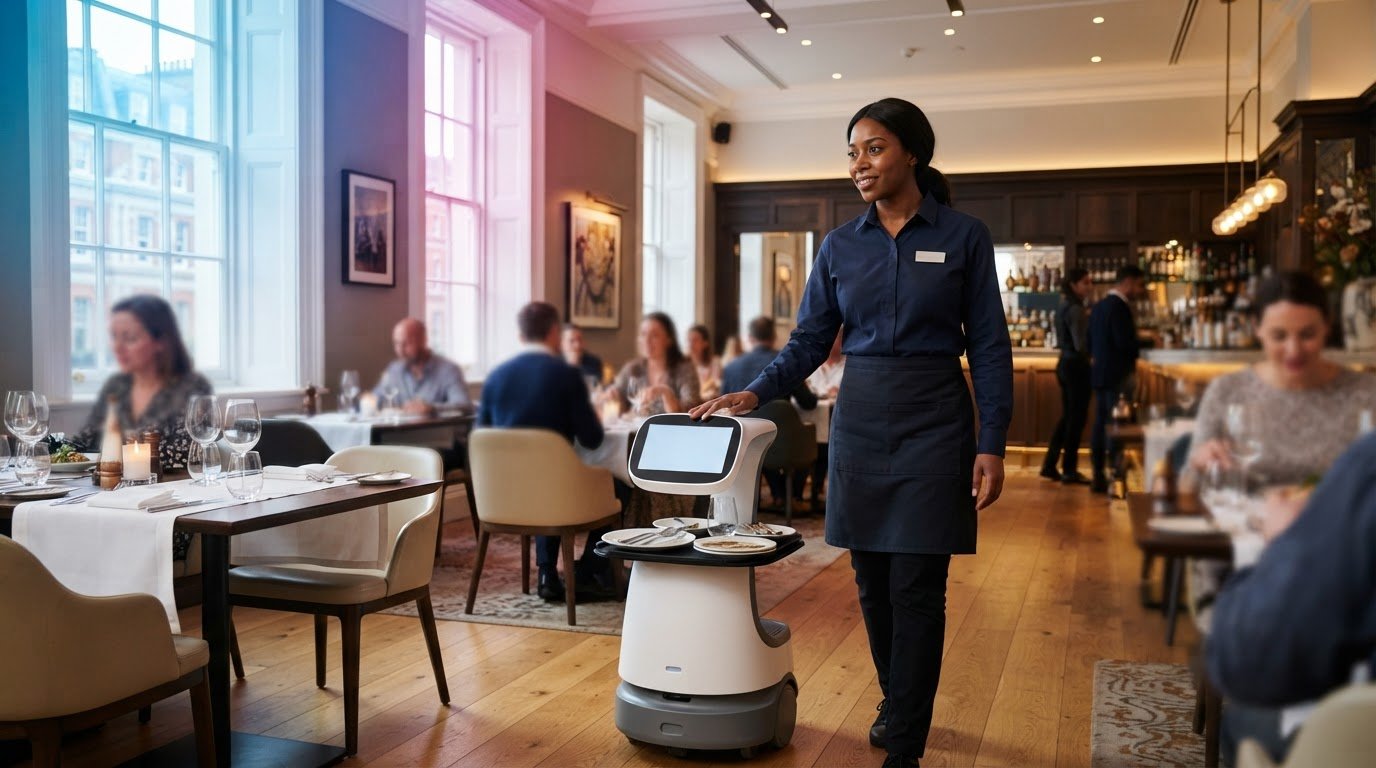
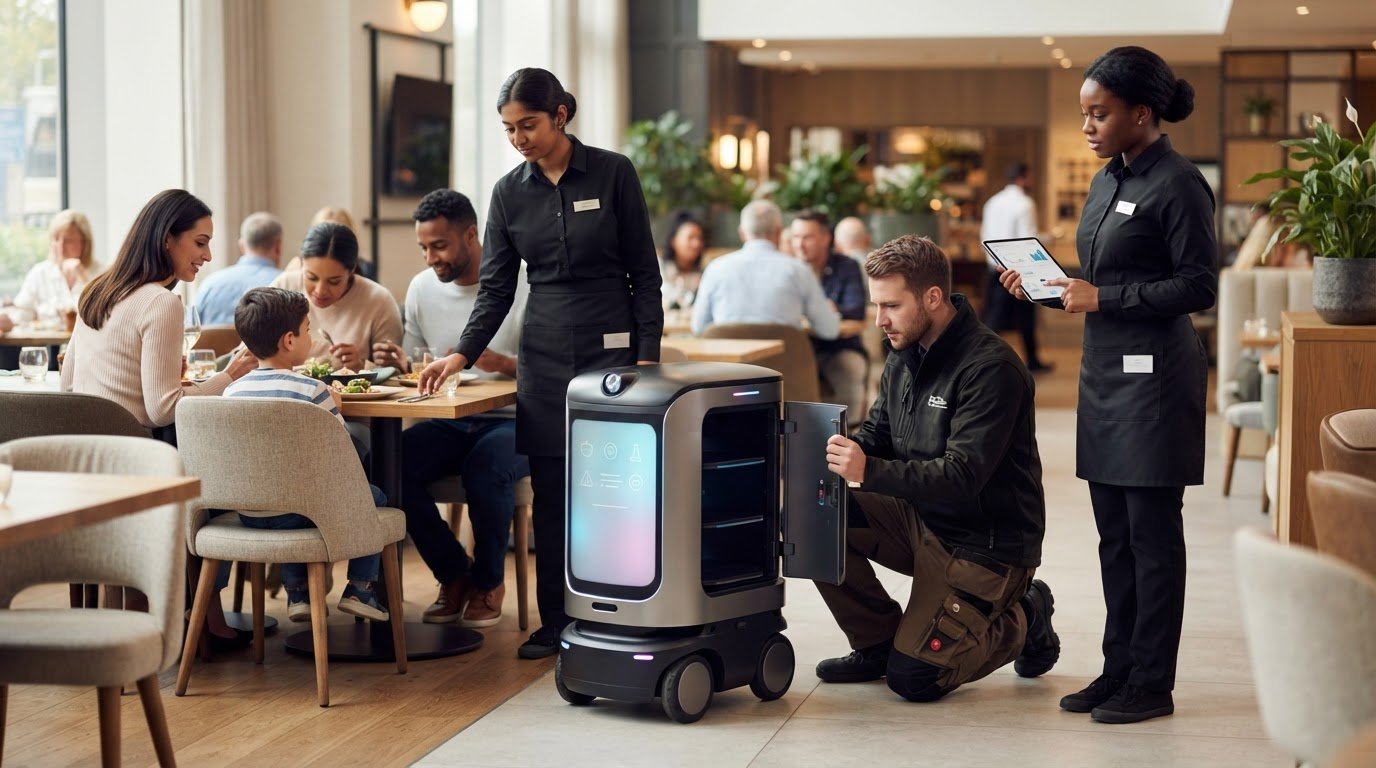
In-store robots may support a defined, repeatable task, such as moving items between designated areas. Before introducing one, decide who oversees its use, how employees report issues and which customer requests still need direct staff attention. Clear responsibilities help the team understand how the equipment fits into daily work.
Wearables and exoskeletons are other technologies intended to support employees. If repeated manual handling is a concern, a retailer can consider whether a wearable aid suits the task, alongside existing training and safe working practices. The choice should reflect the work employees actually do, not the assumption that one device suits every role.
Improving retail efficiency with technology also depends on staff feedback. A dashboard might show when activity rises, but shop-floor employees can explain whether the pressure comes from customer questions, replenishment or fitting-room requests. Combining those observations with rota and task records helps managers allocate work more effectively.
Choose measures that relate directly to the intended change. If a communication tool aims to reduce repeated reporting, check whether employees can find task updates without asking several colleagues. If revised staffing assignments target busy periods, ask the team whether customer service and task handovers are easier to manage.
Which retail technologies improve operational efficiency the most?
The most useful technology depends on the task slowing your store down. For a retailer managing frequent stock checks, inventory software may matter more than a new customer-facing display. Match the tool to a clear operational bottleneck, then assess whether it improves the task in practice.
Integrated point-of-sale and inventory systems can reduce repeated data entry. When a cashier records a sale, the system updates the product record, giving staff a clearer view of remaining stock. A branch manager can use this information to review replenishment or transfer stock between locations. The benefit depends on accurate product records and connected systems.
Radio-frequency identification (RFID) helps retailers identify products using tags and readers, rather than scanning each barcode individually. Staff could, for example, use RFID equipment during a stock check to locate items recorded in the wrong area. It suits retailers that need item-level visibility, but still depends on correctly tagged products and a process for resolving mismatches.
For queues, self-service checkouts and mobile point-of-sale systems address the payment stage directly. A customer with a small basket might use a self-service till, while a team member takes payment elsewhere on the shop floor using a mobile till. Retailers should consider how these options fit their layout, payment process and level of staff support.
Order-management tools connect online purchases with shop-floor fulfilment. A staff member receiving a collection order can use the system to find the item, record its preparation and update its collection status. This avoids checking separate order lists and helps teams see which tasks need attention. The process works best when online and store records stay aligned.
Reporting and analytics tools bring information from sales, stock and store operations into a view managers can use. A shop manager could compare sales by department with customer traffic, then adjust staff assignments or product placement. Clear reports are more useful than extra data: focus on measures that inform decisions, such as replenishment, rota planning or queue management.
Automation can also support repeatable back-office work, including routine stock updates and order processing. A system, for instance, can create a replenishment task when recorded stock reaches a set level. Staff still need a way to review unusual orders, inaccurate records and exceptions, rather than letting an automated rule run without oversight.
Consider integration before adding another tool. If a new checkout system cannot share information with the existing product database, staff may have to enter the same details twice. Map how sales, orders and stock information move between systems, then prioritise the connection that removes the most repeated work. This keeps technology focused on day-to-day operations.
How can AI and automation reduce retail labour costs and stock errors?
AI and automation can reduce repetitive work by handling routine checks, processing information and flagging exceptions for staff. Retailers are reported to lose 5.5% of gross sales to operational inefficiencies, so it helps to identify where errors and duplicated tasks enter your processes.
Stock counting shows one possible pressure point. Traditional line-of-sight barcode counts are reported to scan one item per second, with accuracy of 65% to 75% due to human fatigue. RFID systems can scan tagged products without staff aiming a scanner at each barcode. This can make counts more efficient, while staff still investigate mismatches and correct product records.
Automated inventory checks can also flag likely out-of-stocks for review. Autonomous robots are reported to reduce out-of-stocks by 50% at some retailers. That result depends on the stock information being accurate and teams acting on alerts. A robot’s count can identify a gap; it doesn’t explain whether a sale, delivery or misplaced item caused it.
AI forecasting can analyse historical sales, market trends and external factors to estimate future demand. A retailer could compare past sales of seasonal clothing with current trends before setting replenishment levels. Staff should review recommendations against local conditions, such as a nearby event or promotion, because forecasts depend on the information available.
Automation can reduce repeated handling of routine orders. A system might create a replenishment task when stock reaches a set level, then send it for staff review. Linking the process to recorded deliveries helps avoid ordering products already received. Keep an exception route for unusual demand, damaged goods and data errors, so automated tasks do not create further discrepancies.
AI can also analyse transaction patterns and flag activity that may need investigation. A team member can review an alert alongside the relevant transaction instead of treating an automated signal as proof of wrongdoing. Set clear access controls and keep people involved in decisions that affect customers or employees.
For labour planning, use sales and task information to identify when teams face competing demands. If stock replenishment repeatedly overlaps with busy checkout periods, managers can adjust task timing or assignments. Measure whether the change reduces interruptions and helps staff focus on customers, rather than assuming automation means fewer employees are needed.
Technology works best when staff know how to handle exceptions and maintain accurate records. Explain which alerts need action, who owns each task and how to report a fault. Retailers considering physical robots for repeatable tasks can discuss retail automation options and assess where equipment could fit into existing workflows.
GO Robotics: Pudu BellaBot
GO Robotics can help you assess whether Pudu BellaBot suits a repeated delivery task in your retail operation. If staff regularly leave customer-facing duties to move items between areas, consider whether a service robot could support that workflow.
Start by identifying what needs to move, where the task begins and ends, and how it fits around customers and staff. A site survey helps match the model to your premises and operating needs. Pudu KettyBot and Pudu HolaBot are other options to consider when comparing service robots for your requirements.
Robots are not a substitute for stock controls, accurate pricing systems or staff support. They may suit a defined movement task, while inventory and checkout technology address different sources of error. Contact GO Robotics to discuss whether Pudu BellaBot is a suitable fit for your store.
Choose the next improvement that fits your store
A practical approach to improving retail efficiency with technology starts with one clearly defined operational need. Decide which task should change, who will use the new process and how you will judge whether it helps. This gives your team a sensible basis for choosing what to explore next, without adding technology simply because it is available.
For a task involving movement around a retail environment, GO Robotics offers Pudu BellaBot and Pudu KettyBot. Pudu CC1 is another option in its range. These models are distinct from inventory, forecasting and checkout systems, so consider them where a service robot fits the work you want to address. The right next step is a conversation about your store’s layout, routines and priorities.
Contact GO Robotics about retail technology to discuss the requirements you’re working through. A focused conversation can help you explore a relevant option and plan a considered next step for your team.
Frequently Asked Questions
How can inventory management technology prevent stockouts and overstocking?
Inventory management technology helps balance stock by linking sales, supplier lead times and reorder points. A shop selling seasonal products, for example, can adjust replenishment rules as demand shifts instead of relying only on last season’s pattern. Review alerts alongside supplier delivery schedules and branch-level sales so orders reflect each location’s needs. This helps avoid sending surplus stock to one store while another runs short.
What are the costs and ROI of retail technology in the UK?
Retail technology costs depend on the tool, integration work, staff training, ongoing support and whether you buy or subscribe. To assess return on investment, compare those expenses with measured changes, such as fewer manual corrections, less stock loss or reduced time spent on a task. Include the time required to maintain product records and resolve system issues. Use your own operational data rather than assuming every efficiency gain becomes extra revenue.