Retail automation trends 2026: AI agents and smarter decisions
Existing technology can automate up to 53% of retail activities, according to McKinsey research. That doesn’t mean every task should be handed to a machine. The retail automation trends of 2026 point towards practical choices: using AI agents for shopping tasks, improving forecasts and getting everyday processes ready to work together.
Retailers know that disconnected systems and manual stock checks can slow teams down. Automation can help, but it works best when data and workflows are in order. For smaller businesses, the challenge is adopting useful tools without adding unnecessary complexity.
This article explores how AI agents can support product discovery and transactions, how forecasting can inform stock decisions, and what to prepare before automating a process. It also considers adoption across retail, including small businesses, so you can focus on changes that suit the way your shop operates.
Key Takeaways
- See how AI agents could help shoppers discover products, compare options and complete purchases within their preferences.
- Prepare product codes, stock procedures and connected systems before automating workflows to reduce manual corrections.
- Use sales history and supplier lead times to make AI-supported demand forecasts and reorder suggestions more useful.
- Explore where automation can ease routine retail tasks, from self-service payments to inventory visibility.
- Find practical ways smaller retailers can connect stock, orders, payments and accounting without adding needless complexity.
AI agents automating shopping tasks
In 2026, retailers are using AI to support product recommendations, customer communications and shopping tasks. Generative AI can power conversational helpers that answer product questions, compare options and, within set preferences and constraints, help complete a transaction.
For shoppers, the shift is from searching separate product pages to describing what they need. A customer might ask for a waterproof coat for commuting, then compare available styles with their preferences. An agent can narrow the options and guide the next step, such as adding a chosen item to the basket.
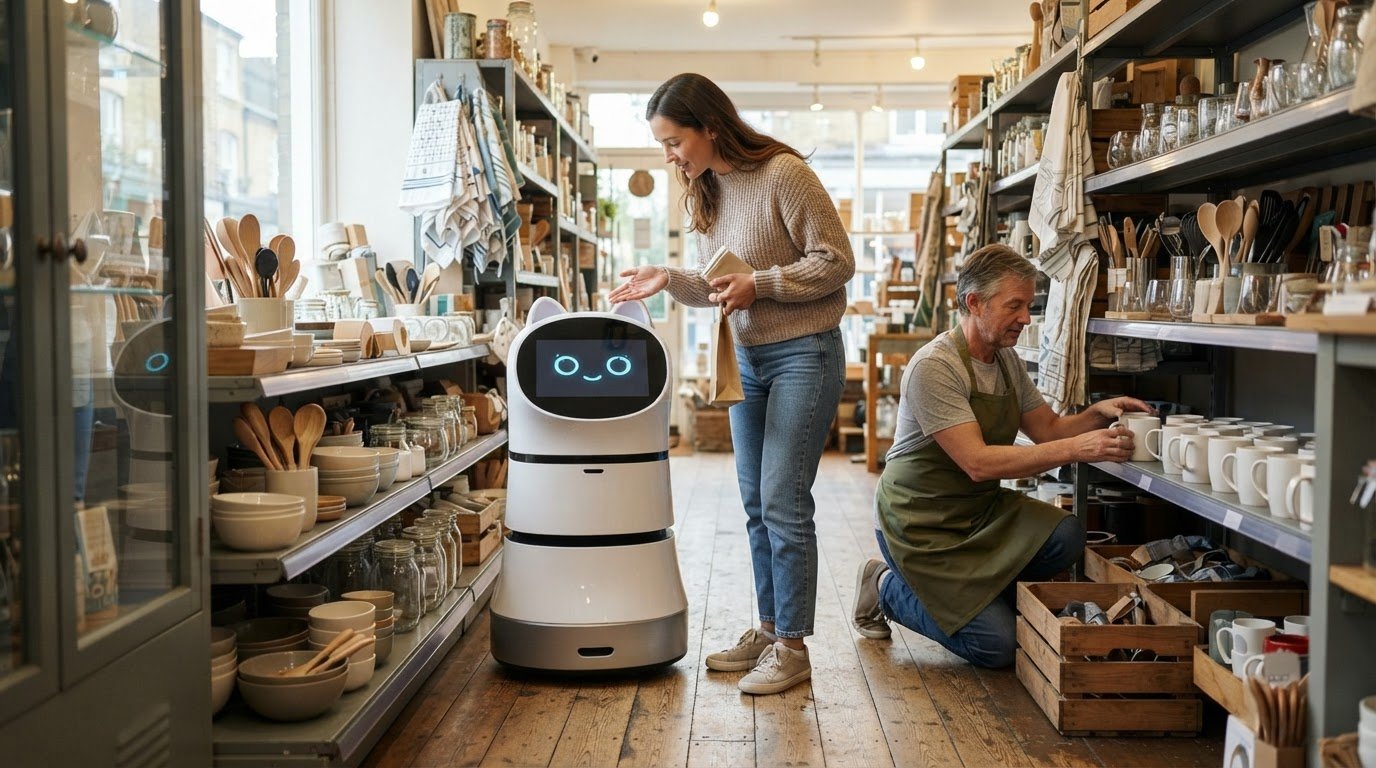
Retailers are also piloting AI-powered in-store assistants that offer personalised advice. Customers can ask about product features or request recommendations for a particular use. These tools make product information easier to access, while staff remain available for decisions that need personal attention.
Agentic commerce describes AI agents carrying out parts of a shopping task, from product discovery and comparison to completing transactions. Retailers need clear boundaries for what an agent can do. For example, it might recommend an item based on a shopper’s preferences, while purchase steps follow the customer’s choices and the retailer’s transaction process.
Connected retail data determines how useful these interactions can be. If product details or stock information differ between an online shop and a physical outlet, an agent may suggest an item that staff cannot locate. EPCIS, an open standard for recording and sharing product events, can work alongside digital twins to support real-time inventory visibility. The Universal Commerce Protocol is an open-source standard designed to connect consumer interfaces with commerce systems.
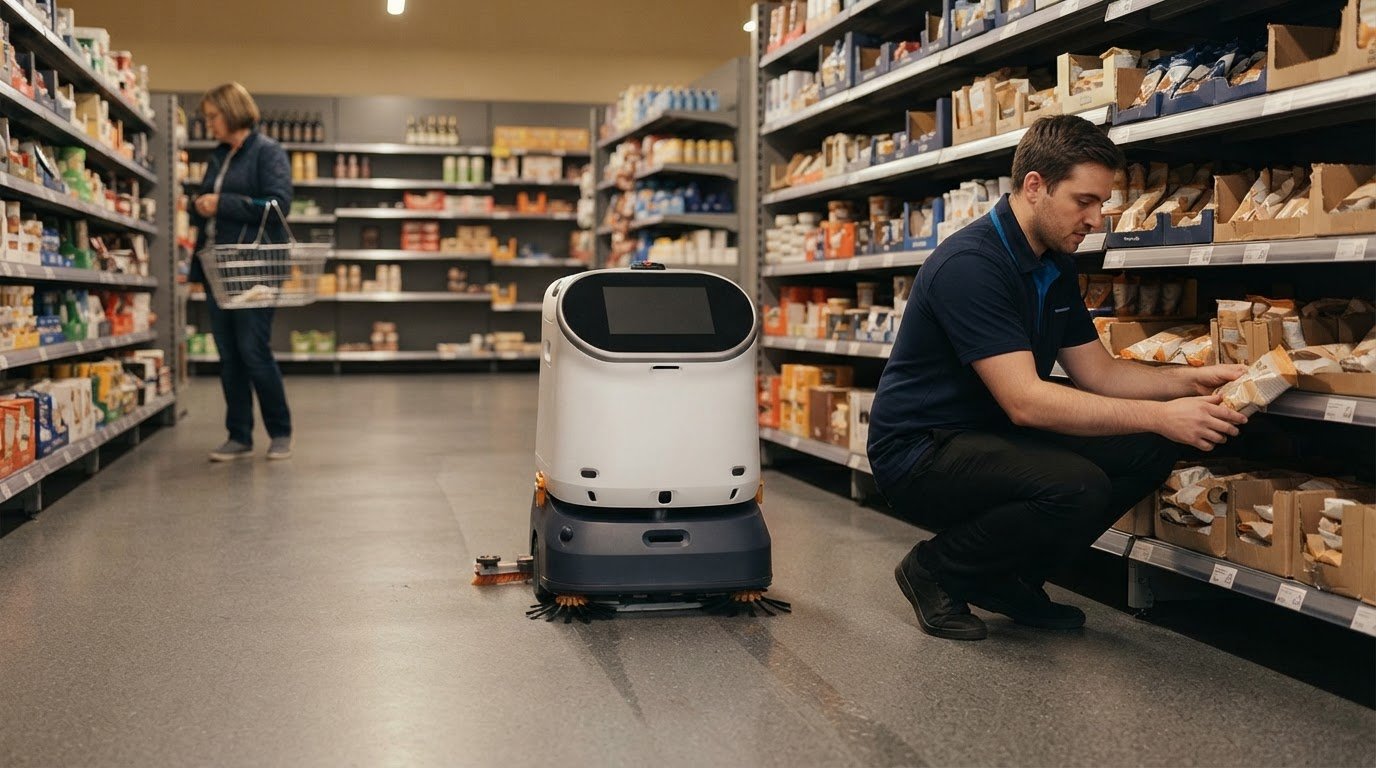
Robotics and autonomous systems address physical tasks rather than conversational advice. In retail, they can move goods within fulfilment areas, support stockroom-to-floor replenishment and handle floorcare. Fixed radio-frequency identification (RFID), which uses radio signals to identify tagged items, can automate replenishment from stockroom to sales floor. Micro-fulfilment hubs can process online orders closer to customers.
These technologies support different parts of the shopping experience. An AI assistant can help shoppers find products, inventory systems show where stock is recorded, and autonomous equipment can support physical movement or routine site tasks. Start by identifying the task causing friction, then assess the data, devices and staff hand-offs involved.
For retailers, the decision is not simply whether to add an AI agent. Define what action it can take, what information it can use and when a staff member should step in. This keeps recommendations relevant and transactions aligned with customer choices as shopping shifts between online and in-store channels.
Preparing retail processes for automation
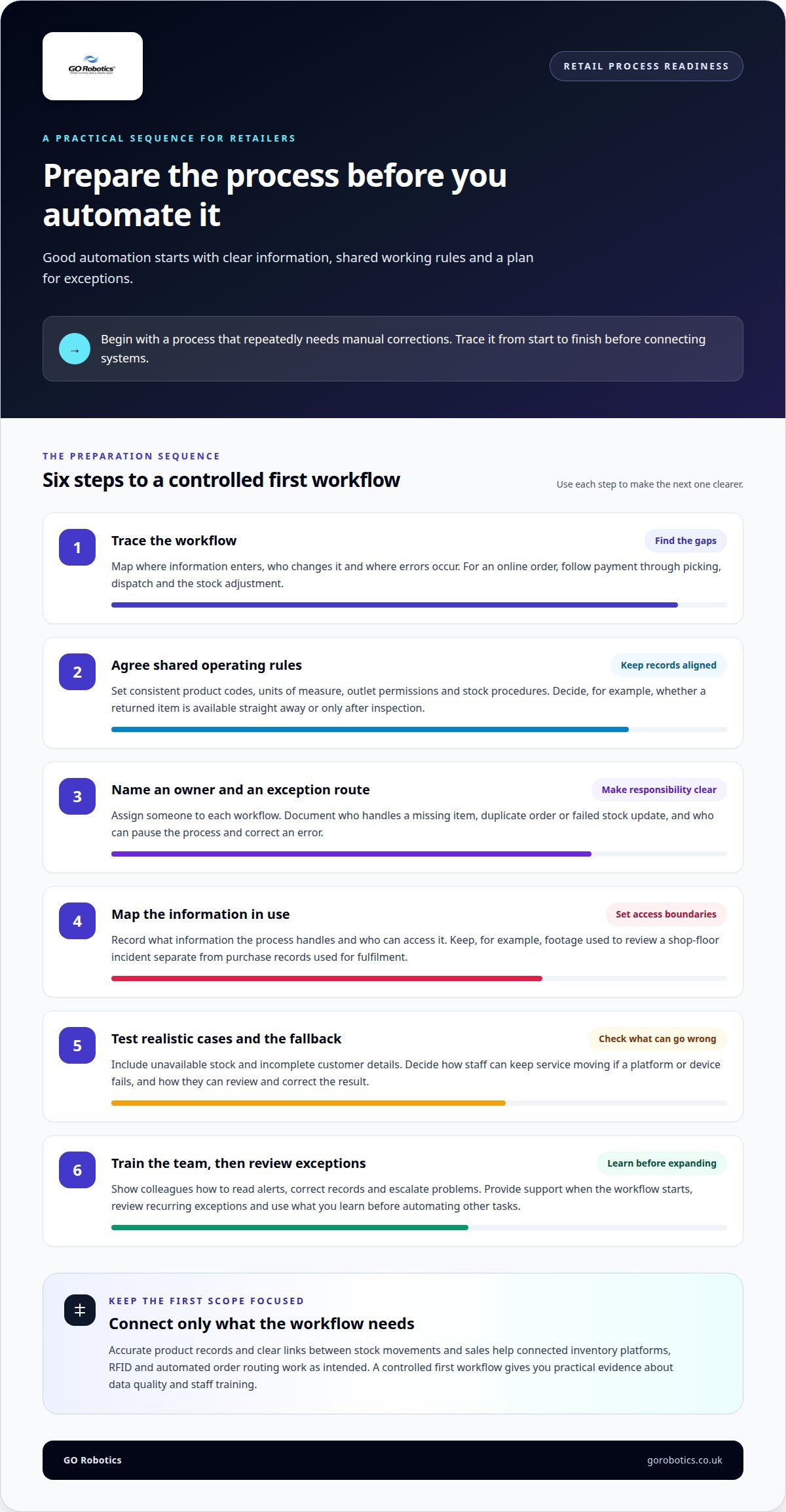
Disconnected point-of-sale, e-commerce, inventory and warehouse platforms can leave teams correcting records manually. Before automating a workflow, map where information enters, who changes it and where errors occur. For example, trace an online order from payment through picking, dispatch and stock adjustment. This exposes gaps before automation reproduces them at speed.
For stock management and fulfilment, connected inventory platforms, RFID and automated order routing are practical starting points. RFID can support stockroom-to-sales-floor replenishment, while micro-fulfilment hubs bring online order processing closer to customers. Their value depends on accurate product records and clear links between stock movements and sales.
Set shared operating rules before connecting systems. Agree on product codes, units of measure, outlet permissions and stock procedures so every platform records the same item and movement consistently. For example, decide whether a returned item becomes available immediately or waits for inspection. This prevents stores and warehouses from treating the same product differently.
Assign an owner to each automated workflow and document what staff should do when normal processing fails. An exception procedure should explain who handles a missing item, duplicate order or failed stock update. Provide support when the workflow starts and review recurring exceptions. Clear responsibility helps staff avoid having to improvise.
When an automated process uses customer records or CCTV footage, map the information it handles and who can access it. For example, keep footage used to review a shop-floor incident separate from purchase records used for fulfilment. Define when staff should review an automated result, such as a customer query about an order or an unclear incident record. These steps help teams handle information consistently without making unsupported claims about specific legal requirements.
Operational risks include inaccurate stock records, disrupted transactions, privacy concerns and staff relying on incorrect system output. Test workflows with realistic cases, including unavailable stock and incomplete customer details, before expanding them. Record who can pause the process and correct errors. A clear fallback helps maintain service if a platform or device fails.
Automation changes the mix of retail work rather than removing every human task. Systems may handle routine data entry, replenishment prompts or order routing, while staff resolve exceptions and support customers. Tailor training to the workflow: show colleagues how to read alerts, correct records and escalate problems. Automating tasks requires these operational skills as well as new platforms.
Start with a process that repeatedly requires manual corrections. Document its inputs, rules, owner and exception path, then connect only the systems needed to complete it. A controlled first workflow gives you practical evidence about data quality and staff training before you automate other tasks.
Retail automation benefits and adoption
McKinsey research states that existing technology can automate up to 53% of retail activities. That figure describes the potential across activities, not a target for every shop. The useful question is which repeated tasks consume staff attention or create avoidable errors in your operation.
Automation can support quicker payments, more consistent customer communications and fewer manual steps. Retailers use self-checkout kiosks, smart carts, automated billing and contactless payments to reduce friction in stores. In 2026, payment integrations that reduce manual reconciliation are expected to matter more to retailers. Connecting payment records with point-of-sale transactions and accounting entries can make discrepancies easier to trace.
Automation can also support personalised recommendations and behaviour-based customer messages. A retailer might use purchase information to suggest relevant products while keeping membership benefits clear and consent simple. Relevant offers are more useful than repeated messages that miss a customer’s interests. Automation should improve the interaction, not add unnecessary steps to checkout or loyalty sign-up.
Retail automation can help reduce waste through better stock handling and more informed operational decisions. Clearer records, for example, can help teams spot products being ordered or replenished unnecessarily. Physical shops can also focus on experiences that online channels cannot reproduce, such as product demonstrations or sensory displays. Automating routine work can give staff more time for customer-facing activities.
How does automation compare with hiring staff or outsourcing? Automation handles defined, repeatable tasks, while staff respond to varied customer needs and exceptions. Outsourcing shifts a task to another provider; automation keeps the process within your systems but still requires implementation, oversight and maintenance.
How much does retail automation cost, and what is the return on investment? Investment depends on the task, equipment, software, integration, training and ongoing support. Assess returns by comparing a clear baseline with changes in manual work, stock errors, payment reconciliation or customer service, rather than relying on a general payback claim.
How widespread are self-checkout and frictionless stores in the UK in 2026? Retailers use self-checkout, smart carts and contactless payment, but the right mix varies by store format and customer needs. A small shop may prioritise contactless payment and simpler reconciliation, while a larger store may use several self-service options.
Brands should align automation choices with their margins and service priorities. Start with one measurable task, such as repeated payment corrections or time spent answering routine product queries. Record the current process, define the outcome that matters, then assess whether the change improves it without creating extra work elsewhere.
RFID-enabled locationing can do 90% of the work of locating items, with handheld devices handling the final metre. RFID combined with Electronic Article Surveillance can show what is missing, where and when it went missing.
AI for forecasting and retail decisions
Inventory is under pressure alongside pricing and sourcing costs, according to McKinsey’s State of Fashion 2026 report. For retailers, that makes demand planning a practical priority. AI forecasting uses sales patterns and other business data to estimate what customers may buy, helping teams plan stock and replenishment.
A forecast is useful only when it informs a clear decision. Retailers can use sales history and supplier lead times to shape reorder suggestions, then check them against current stock and planned promotions. For example, a product with rising sales and a long supplier lead time may need attention sooner than a slow-selling item with readily available supply.
AI can also help retailers spot stock problems before they affect sales. In 2026, retailers are expected to place greater value on systems that flag risks early. A forecast might indicate that a particular size or colour could run short, giving the buying team time to review incoming deliveries or adjust replenishment. It supports a decision; it does not remove the need to understand the reason behind it.
Start by choosing a specific decision to improve, such as when to reorder a product or how much stock to allocate across outlets. Bring together the relevant sales history, stock records and supplier lead times. If channels record returns differently, the combined data may misrepresent demand. Consistent product codes and units of measure make comparisons more meaningful.
Next, compare the forecast with what actually happened. If a system predicted strong demand but sales fell after a promotion ended, that context matters. Record the event alongside the result. Comparing forecast and actual sales helps teams determine whether an error came from unusual trading conditions, incomplete data or a poor assumption.
Treat AI suggestions as decision support, especially for products with changing demand. A buyer can review a proposed reorder, check supplier lead time and consider upcoming promotions before acting. For example, a sales spike may reflect a short-lived campaign rather than a lasting change in demand. Human review keeps that distinction in view.
Forecasting also affects waste and availability. Overstock can leave products unsold, while understock means customers may not find what they came to buy. Better inventory planning helps teams weigh these competing risks using current sales and supply information. The aim is not to hold the same quantity everywhere, but to make stock decisions that reflect each product’s sales pattern.
Retailers need not treat forecasting as a report to review only after a trading period ends. A useful process links the forecast to a named owner, a reorder decision and a review of results. Begin with one product group, track how recommendations affect stock decisions, then extend the approach where it improves planning.
Retail automation for small businesses
For a small retailer, automation should solve a specific daily problem, not add another platform to manage. Start with one recurring task, such as updating stock after a sale, matching payments or routing online orders. A clear starting point keeps the work manageable and shows which information needs to connect.
Inventory is a practical first step. Retail platforms can synchronise stock across online and physical channels, then route orders between systems. Some modern platforms can synchronise supplier inventory as frequently as every 15 minutes. That can give a shop a fresher view of availability, provided product records and supplier information stay consistent.
Consider a small shop selling the same products in-store and online. If a till sale does not update the web shop, a customer could order an item that has already sold. Connecting the point-of-sale system with online stock records reduces this gap. Order routing can then direct each online purchase through the retailer’s chosen fulfilment process.
Payments and bookkeeping offer another focused opportunity. Connect payment records, point-of-sale transactions and accounting entries so staff can trace a sale from checkout to the accounts. If a card payment and till record do not match, for example, linked records make the discrepancy easier to find than separate spreadsheets.
Demand insights can help small shops make better stock decisions. Use sales history to identify steady sellers, seasonal items and lines that rarely move. Consider supplier lead times when reviewing reorder suggestions. A system can organise the information, while the shop owner adds context such as a local event or planned promotion.
Keep the first workflow simple. Choose an owner, document the usual steps and decide how staff should handle exceptions, such as a returned item or failed payment match. Provide initial support and review the process in practice. If the system creates duplicate work or confusing alerts, adjust the workflow before connecting more tasks.
Small businesses do not need to automate every part of retail at once. One useful sequence is to link a sales channel with stock records, then add order routing or accounting connections where they address a real bottleneck. This staged approach keeps the focus on the task, the data it relies on and the staff who use it.
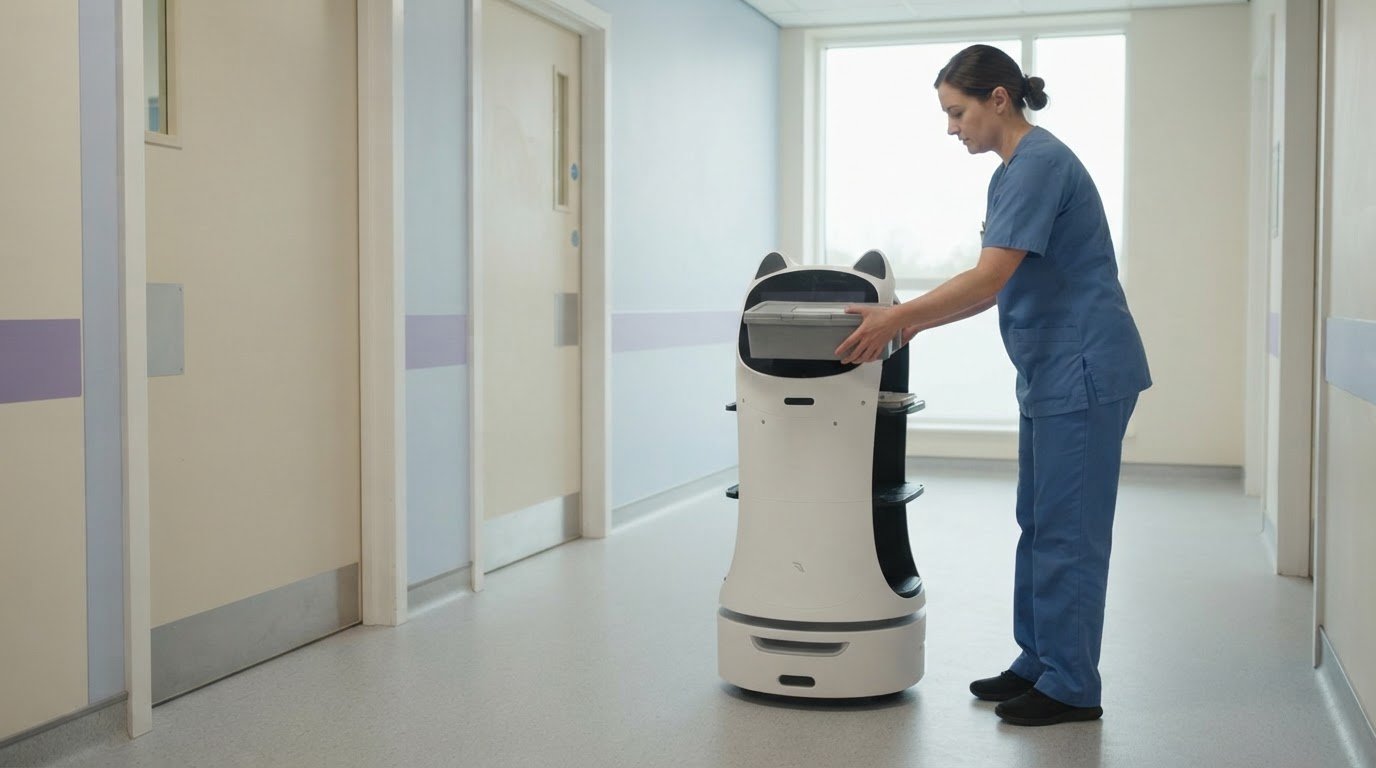
For physical tasks, assess whether a robot could support a defined routine, such as carrying items or cleaning floors. Consider where it would operate, how staff and customers move through that space, and which task it would take on. Discuss retail automation options when you’re ready to consider whether robotics fits your shop.
GO Robotics
GO Robotics helps UK retailers assess whether a commercial service robot suits a practical, site-based task. Robotics can support physical work in a shop or retail venue; it does not replace the inventory, payment or forecasting platforms discussed above. A site survey helps match the setting and intended task with a suitable model.
Depending on the requirements, options include Pudu BellaBot, Pudu KettyBot and Pudu HolaBot. GO Robotics supplies, installs, integrates and supports these robots, with recommendations tailored to your venue and workflow. This is a useful next step when you have identified a recurring physical task and want to understand how a robot could work alongside staff and existing operations.
For a practical discussion about retail robotics, contact GO Robotics.
Choose a practical next step for your shop
The retail automation trends shaping 2026 point to a useful principle: start with a task you can describe clearly, then decide whether software, robotics or a process change fits best. For physical work in a retail setting, GO Robotics offers Pudu BellaBot, Pudu KettyBot and Pudu CC1. The right discussion begins with your venue, the task and how the equipment would fit into daily operations.
You do not need to automate every workflow at once. A focused assessment can help distinguish tasks suited to a service robot from those better addressed through connected retail systems or clearer procedures. This keeps your next step grounded in how your shop operates.
If you’re considering robotics for a retail task, contact GO Robotics to discuss automation. Take the task you want to address as your starting point, and explore a practical way forward.
Frequently Asked Questions
What are the trends shaping retail in 2026?
Retail trends include adaptable store layouts and physical spaces designed to offer experiences customers cannot get online. Modular design lets retailers change parts of a shop more continuously instead of waiting for a full redesign. Loyalty personalisation is another focus: clear membership benefits, simple consent and relevant messages help keep offers useful. Brands are also using automated platforms to work directly with retail partners.
What is retail automation?
Retail automation uses technology to carry out defined tasks or steps in a retail process. It may involve software, payment equipment or a physical machine; it does not have to involve a robot or artificial intelligence. A useful distinction is whether technology presents information, recommends an action or carries it out. Knowing its role helps clarify who remains responsible for the outcome.
What are the biggest retail automation trends in 2026?
AI agents that progress shopping tasks, adaptable store design and more direct digital connections between brands and retail partners are notable trends. Automated platforms can help brands work with retail partners at scale. In physical shops, immersive experiences can give customers reasons to visit beyond making a purchase. The right mix depends on the retailer’s customers, format and purpose for the store.
What practical steps should UK retailers take to adopt automation in 2026?
Before rollout, decide who can approve changes to customer-facing automated actions, and how staff can take over when a decision needs judgement. Set review points in advance, including what would prompt you to pause or adjust the system. Ask staff who use it daily to report confusing steps, and gather customer feedback through existing service channels. Use those findings to shape any wider rollout.